5-8 PN: 10580-00343 Rev. H S820E UG
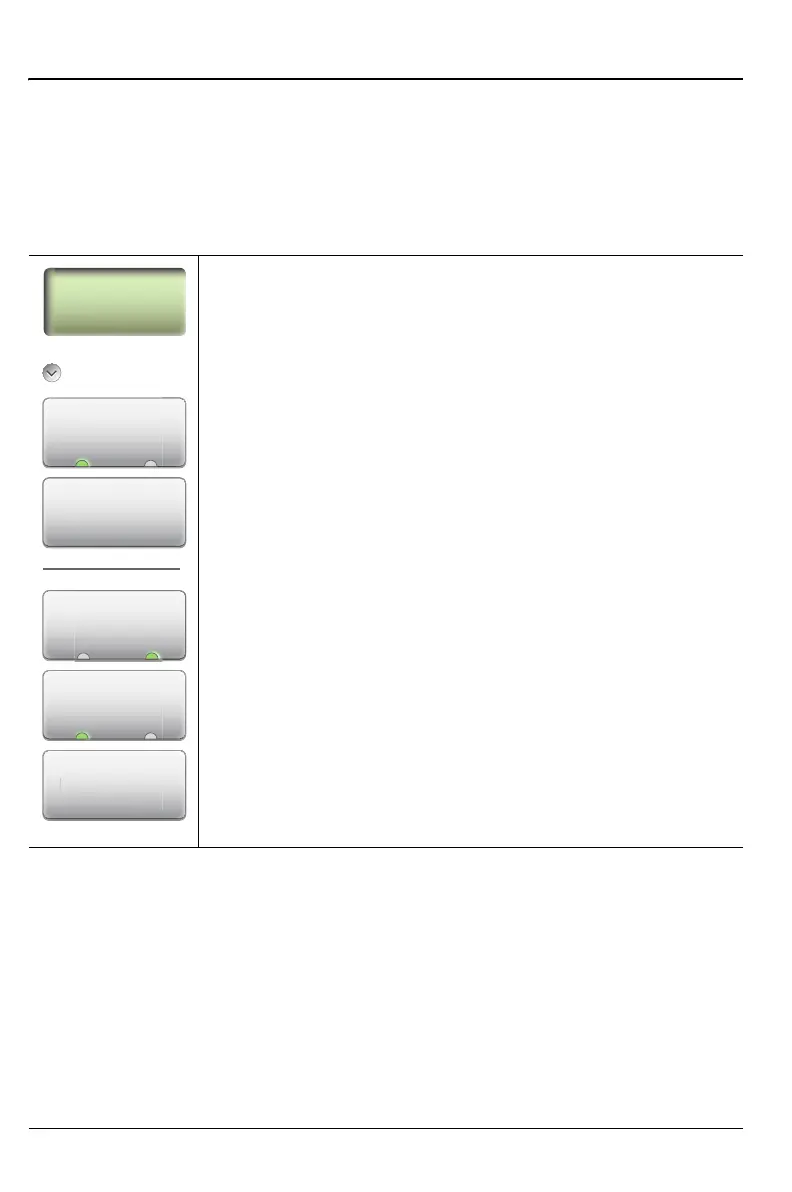
5-5 Limit Menu Classic Mode Operation
5-5 Limit Menu
Limit lines can be used for visual reference only, or for pass/fail criteria using
the limit alarm and Pass/Fail Message keys. Limit alarm failures are
reported whenever a signal crosses the limit line.
Key Sequence: Limit (6)
Single Limit
Limit Line (On Off): This key toggles the limit line On or
Off. Limit line amplitude is stored even when turned off. The
type of limit line, upper or lower, is determined by the
measurement. For example, VSWR and Return loss utilize
an upper limit, and Cable Loss utilizes a lower limit. The limit
line changes from green to red when the limit is reached. Any
points on a trace that touch or exceed a limit line setting are
also displayed in Red.
Edit Value: Press this key to change the amplitude of the
limit line with the Up/Down Arrow keys, rotary knob, or the
number keypad.
Limit Alarm (On Off): When turned On, the Limit Alarm
sounds a repeating beep when the trace touches the limit
line.
Pass/Fail Msg (On Off): When turned On, a Pass or Fail
message is displayed to indicate whether the trace touches
or exceeds the limit line (Fail). See Figure 5-7 on page 5-9.
Limit Preset: Turns the limit line Off and clears amplitude
information. The next time that a limit line is turned On, it is
displayed at the default location (center of the display).
Figure 5-6. Limit Menu
m
r
m
L
On Off
Edit Value
Limit Preset
Pass/Fail Msg
L
m
r
ass/Fail M











 To Next Page