S820E UG PN: 10580-00343 Rev. H 10-19
File Management 10-6 Rename Files
10-6 Rename Files
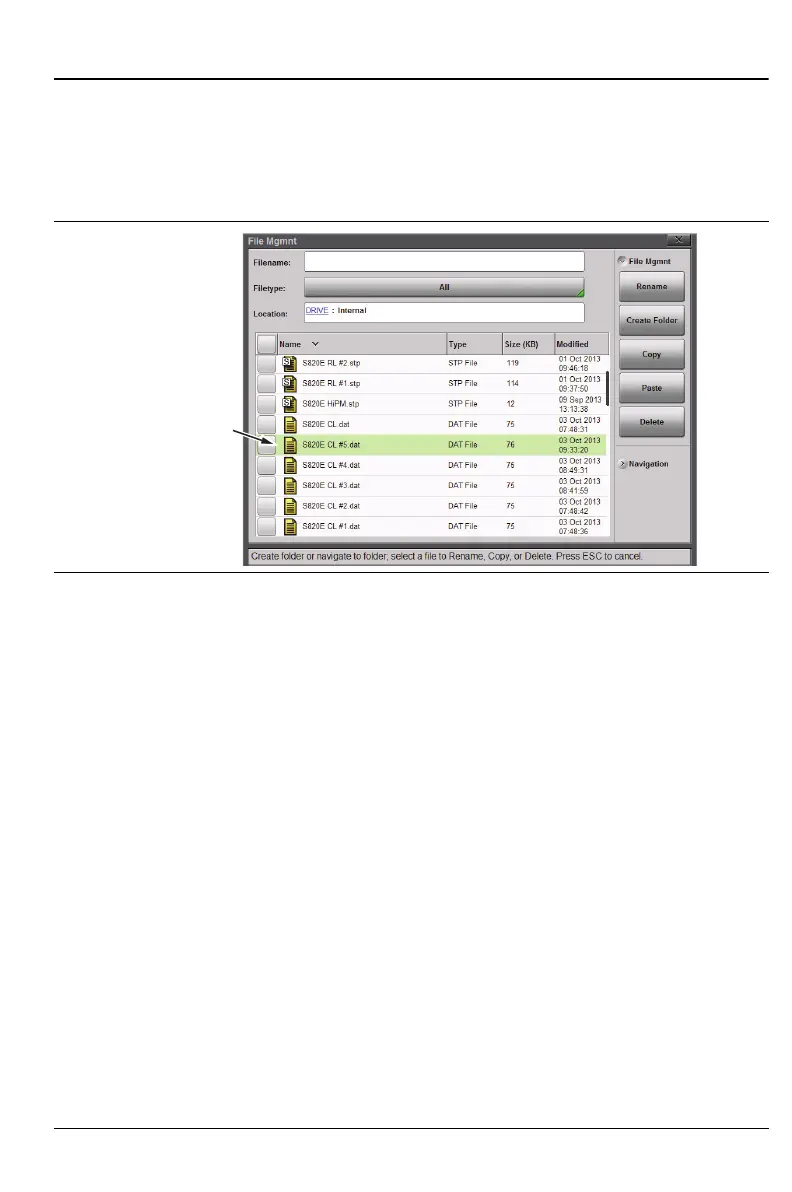
Press the File menu then the File Mgmnt submenu key. Select (green
background) the file to rename. Then, under File Mgmnt, tap the Rename
button (Figure 10-17).
Use the on-screen keyboard, the number keypad, or the EZ Name grid to
rename the file. In this example, we change the short measurement name
(that is automatically created by the Site Master) to a longer name typical of
carrier requirement (Figure 10-18). Use the “EZ Name Matrix” on page 10-10
for this type of renaming.
Figure 10-17.Select a File to Rename
Selected file
ready for
renaming











 To Next Page