6-20 PN: 10580-00343 Rev. H S820E UG
6-7 Measurement Menu VNA Mode
6-7 Measurement Menu
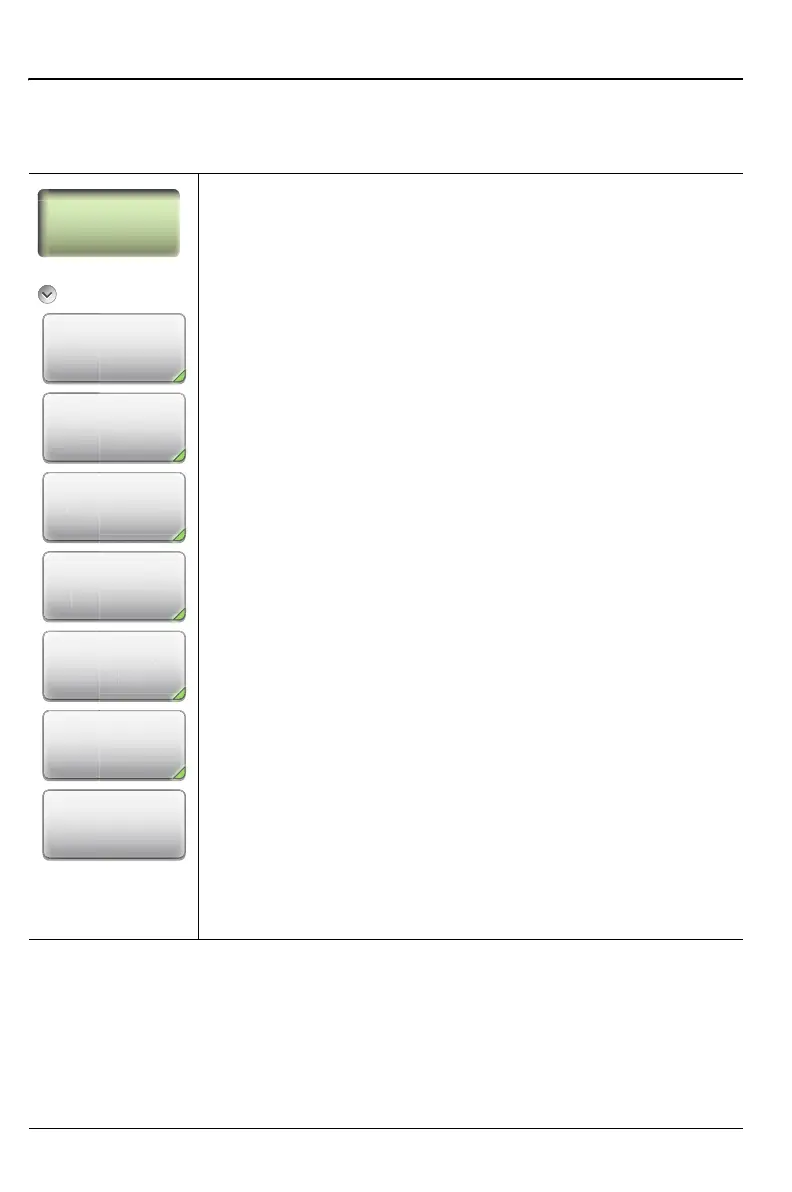
Key Sequence: Measurement
Measurement
Active Trace: Press this submenu key to select a trace to
become the active trace.
S-Parameter: Press this submenu key to select an
S-Parameter for the current (active) trace, choosing
from: S
11
, S
21
, S
12
, S
22
Graph Type: Press this submenu key to display the Graph
type list box and choose a type for the current (active) trace.
See Figure 6-13 on page 6-22.
Domain Frequency: Press this submenu key to choose a
domain for the current (active) trace: Frequency or Distance.
Each trace can use a different domain.
# of Traces: Press this submenu key to open the Number of
Traces submenu and select the number of traces (1, 2, 3, or
4) to be simultaneously displayed in the sweep window.
Refer also to “Trace Format and Number of Traces”
on page 6-21.
Trace Format: Press this submenu key to open the Trace
Format submenu and choose the screen format for trace
display: Single, Dual, Tri, Quad. The selected Trace Format
is shown on the soft key face.
Smoothing: Press this submenu key to add a smoothing
percentage from 0 (zero) to 20 %. Use the arrow keys, the
rotary knob, or the number keypad to input the value, and
then press the % submenu key or the Enter key.
To turn smoothing Off, set its value to 0 %.
Figure 6-12. Measurement Menu
Measurement
Active Trace
Tr1
Tr
r
mete
11
h Typ
m
uenc
Trace
rm
u











 To Next Page