S820E UG PN: 10580-00343 Rev. H 11-15
System Operations 11-8 System Menu
11-8 System Menu
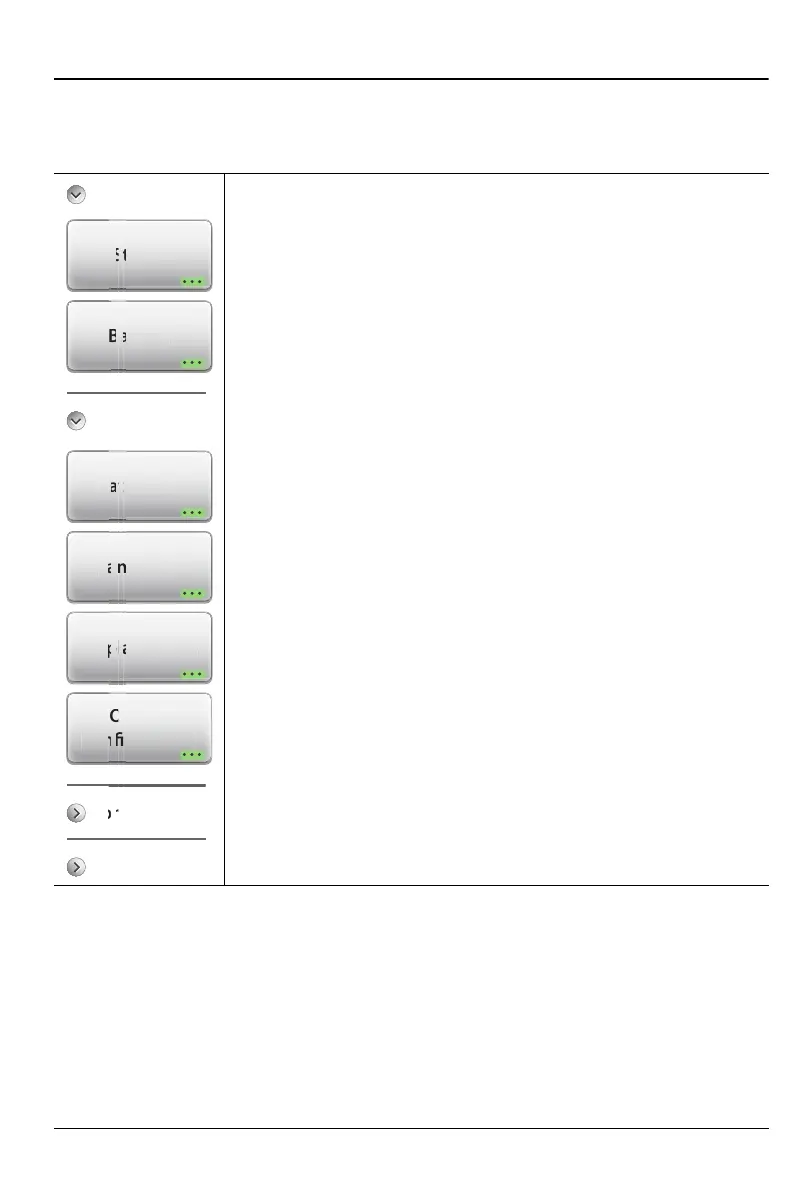
Key Sequence: System (8)
System Info
Status: Press this submenu key to display the
“Status Menu” on page 11-18 including detailed instrument,
hardware, software and connectivity information.
Battery: Press this key to display the battery charge
remaining and charge status.
System Setups
Date/Time: Press to display the “Time and Date Menu”
on page 11-20.
Language: Press to set the default language. Options
include: English, French, German, Italian, Spanish, Russian,
Portuguese, Japanese, Korean, or Chinese.
Display/Audio: Press this submenu key to display the
“Display/Audio Menu” on page 11-21, which includes display,
screen shot, and volume settings.
Option Configuration: Press this submenu key to see a list
of installed options and also any available software options.
To enable new options, enter the Option Key or the file that is
provided by Anritsu Customer Service. Refer to “Option
Configuration Dialog Box” on page 11-17.
Figure 11-11. System Menu (1 of 2)
t
tter
Tim
ua
/Audi
System Info
Diagnostics
Connectivity
Option
Conguration
ectivit
tio
uratio











 To Next Page