S820E UG PN: 10580-00343 Rev. H 11-21
System Operations 11-8 System Menu
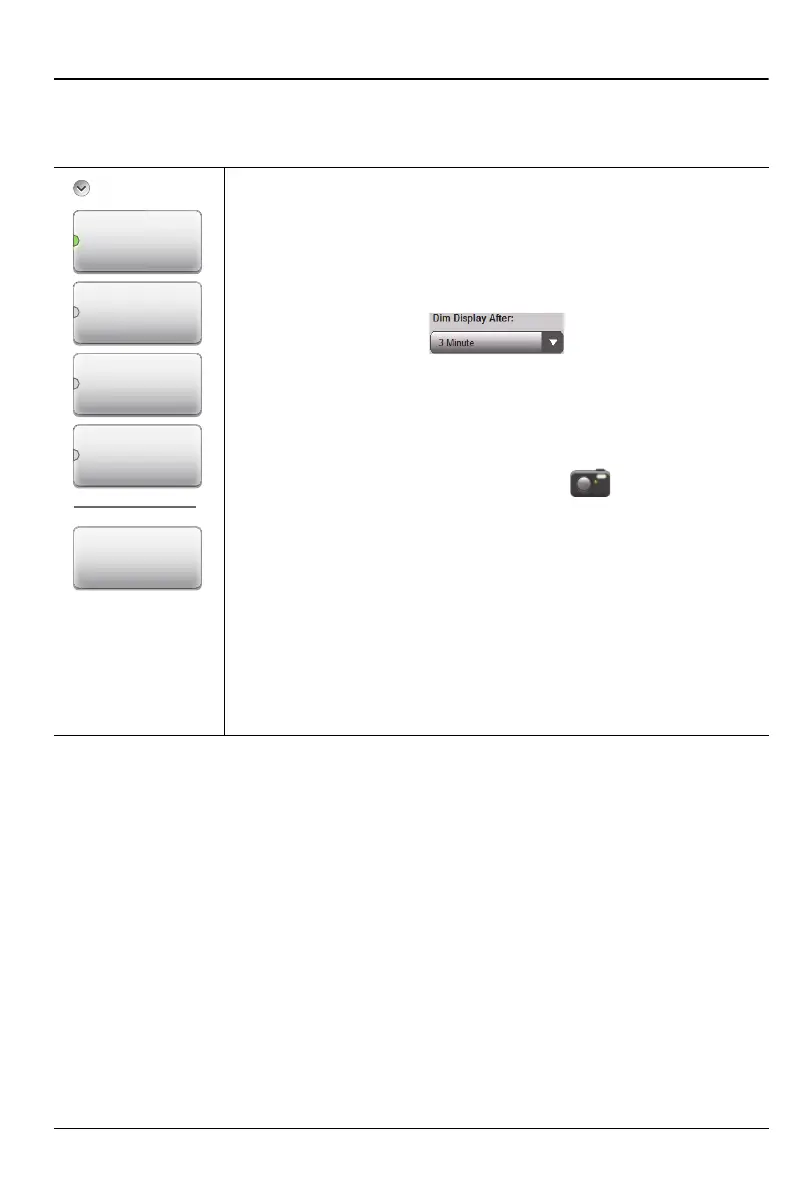
Display/Audio Menu
Key Sequence: System (8) > System Setups > Display/Audio
Brightness: Press this key to access the display brightness
settings. See Figure 11-19 on page 11-22. You can adjust
the level for a wide variety of lighting conditions. Display
Auto-dimming is enabled by default (3 minutes) to extend
battery use. Tap the Dim Display After bar to display the
available drop down selections for Auto-dimming.
Color Schemes: Press this key and use the touchscreen to
select Standard, Daytime, or Nighttime color scheme. Refer
to “Color Schemes” on page 11-22.
ScrnShot Settings: Press to change the settings used
when capturing a screen shot with the icon, or when
saving a screen shot (.png) file. Refer to “Screen Shot
Settings” on page 11-23 and Figure 11-9 on page 11-13.
Volume: Press this submenu key to set the volume. The
current volume setting is displayed. Use the touchscreen, the
Up/Down Arrow keys, or the rotary knob to change the
volume, and press the Enter key to accept the change.
Enter: Press this key or the Enter key on the number
keypad to apply changes that have been set in the other
Display/Audio submenus.
Figure 11-18. Display/Audio Menu
Disp
a
Volume
Brightness
Enter
Color Schemes
ScrnShot
Settings











 To Next Page