11-22 PN: 10580-00343 Rev. H S820E UG
11-8 System Menu System Operations
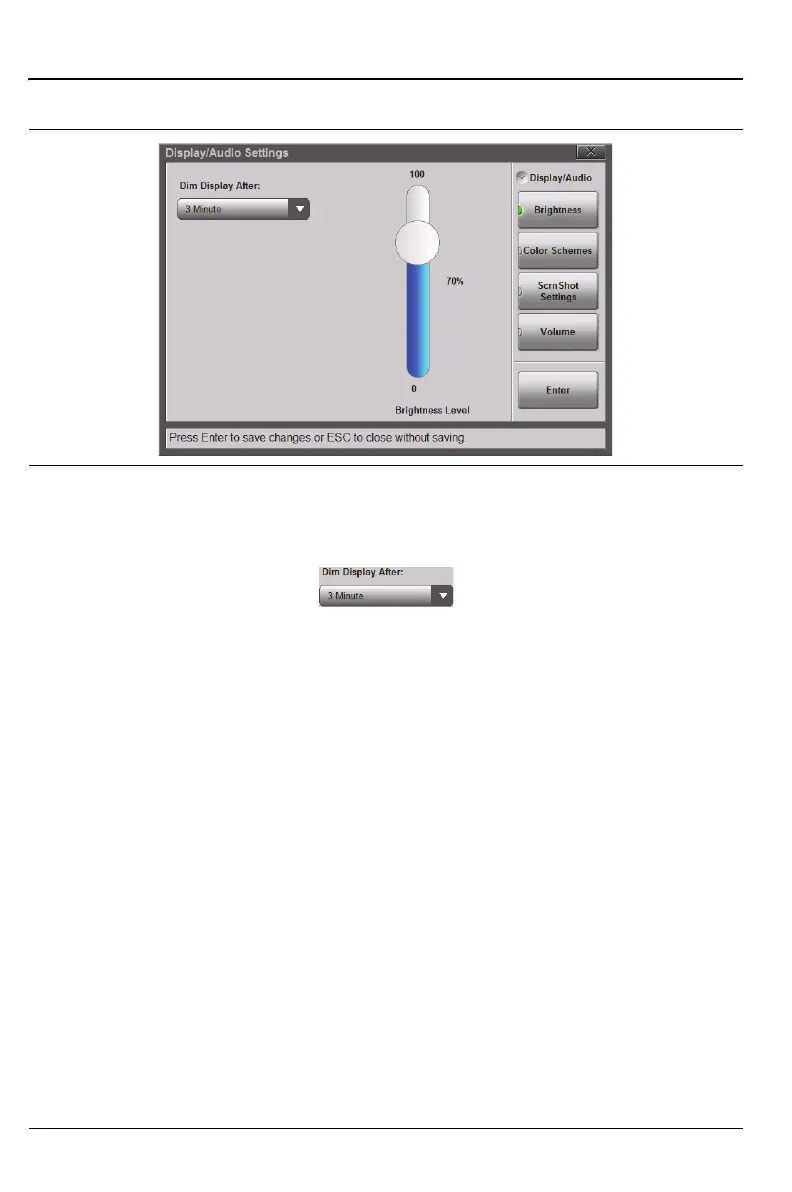
Display Auto-dimming is enabled by default (3 minutes) to extend battery
use.
Tap the Dim Display After bar to display the available drop down selections for
Auto-dimming. Use the touchscreen, the Up/Down Arrow keys, or the rotary
knob to adjust the currently active setting. Press Enter to save the change, or
press Esc to cancel.
Seven settings are available for dimming the display. Choose to dim after a
number of minutes (from 1, 2, 3, 5, 10, or 15) or choose Never. See
Figure 11-19.
Color Schemes
Standard color and contrast of the display provides the best colors and sweep
display.
Daytime increases the contrast of the display and increases line thickness of
traces. It is useful outdoors in bright light or other challenging viewing
conditions.
Nighttime sets the display to a darker red-tinted color scheme, useful in
night-time viewing conditions.
Figure 11-19. Display/Audio Settings – Brightness











 To Next Page