10-28 PN: 10580-00343 Rev. H S820E UG
10-11 File Menu File Management
10-11 File Menu
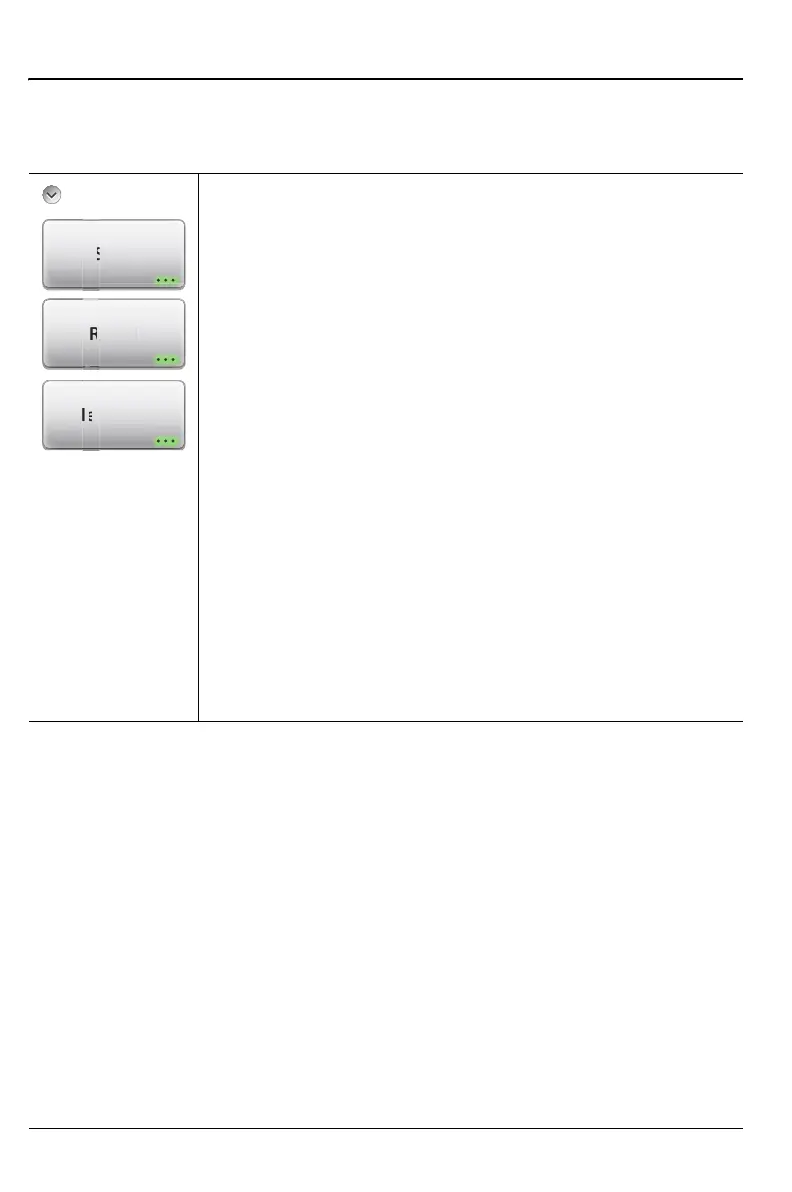
Key Sequence: File (7)
File
Save: Press this submenu key to display the “Save Menu”
on page 10-29 and the touchscreen keyboard. Site Master
files can be saved to internal memory or to a USB flash drive.
The saved Measurement, Setup, or Screen shot file can be
named by using the touchscreen keyboard. By default,
measurements are saved to internal memory. The save
destination is set using “Set Location” on page 10-30.
Recall: Press this submenu key to display the Recall
submenu shown in Figure 10-10 on page 10-14. This menu
is for recalling a measurement or setup data from internal
memory or from a USB flash drive. The Recall function can
also be used to preview saved Screen Shot Files.
File Mgmnt: Press this submenu key to display the File
Mgmnt submenu shown in Figure 10-17 on page 10-19. This
menu contains basic file management functions including
renaming files or folders, creating folders, copying, pasting,
and delete files or folders. Many of the file management
functions are duplicated in the Save and Recall menus for
customer convenience.
Figure 10-28.File Menu
v
Mgmn











 To Next Page