3-62 PN: 10580-00343 Rev. H S820E UG
3-13 Calibration Menu Cable and Antenna Measurements
3-13 Calibration Menu
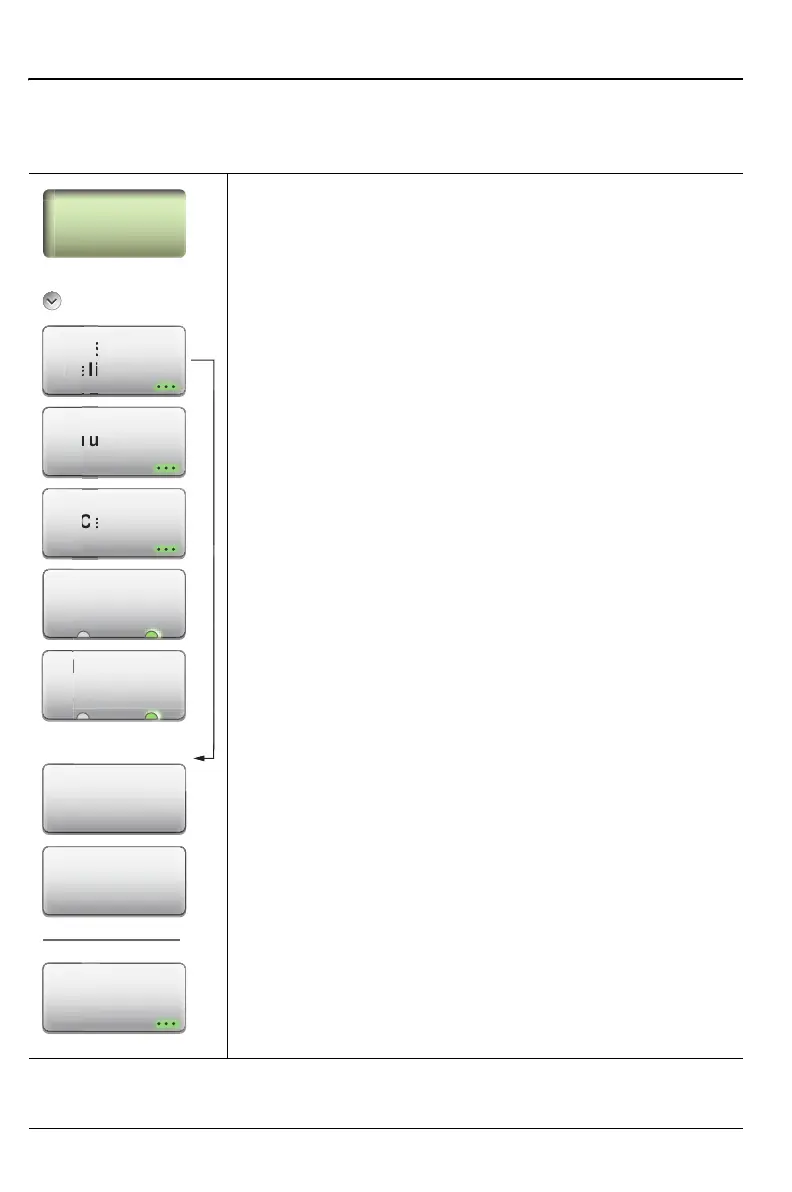
Key Sequence: Calibration
Calibration
Start Calibration: Opens the Calibration dialog box.
Refer to Chapter 4, “Calibration, CAA” for detailed
information.
Thru Update: Opens the Calibration dialog box to allow
calibrating the Thru component without repeating the
entire calibration sequence. This key is displayed only
after a calibration with a Thru component.
Cal Info: Displays the Calibration Information table
showing the current and active calibration settings. See
Figure 4-3 on page 4-3.
Interpolation
On Off: Press this submenu key to toggle Interpolation
On or Off. After performing a calibration, you can turn
Interpolation On and then change the frequency range
(smaller) or change the number of data points (to be
higher than 1033).
Cal Correction
On Off: Turn Cal Correction On to apply the correction
factor to the current measurement.
Measure: Starts the calibrations process. Follow the on
screen instructions.
Skip Step
Previous Step: Press this submenu key to skip the
current calibration step. In the dialog box for the next
step, the button label becomes Previous Step, which
returns to the dialog box of the step just skipped.
Cal Setup: Press this submenu key to choose a
calibration type.
Figure 3-41. Calibration Menu
Calibration
Start
Calibration
Cal Info
Calibration
Thru Update
l In
U
dat
Cal Setup
Measure
Skip Step
Cal Correction
On Off
Interpolation
C
rr
i
ff
ter
o
at
o











 To Next Page