12-2 PN: 10580-00343 Rev. H S820E UG
12-2 Site Master Battery Battery Replacement
12-2 Site Master Battery
The battery that is supplied with the Site Master may need charging before
use. The battery can be charged using either the AC-DC Adapter or the DC
adapter. Refer to Figure 2-8 on page 2-19 for a description of battery symbols.
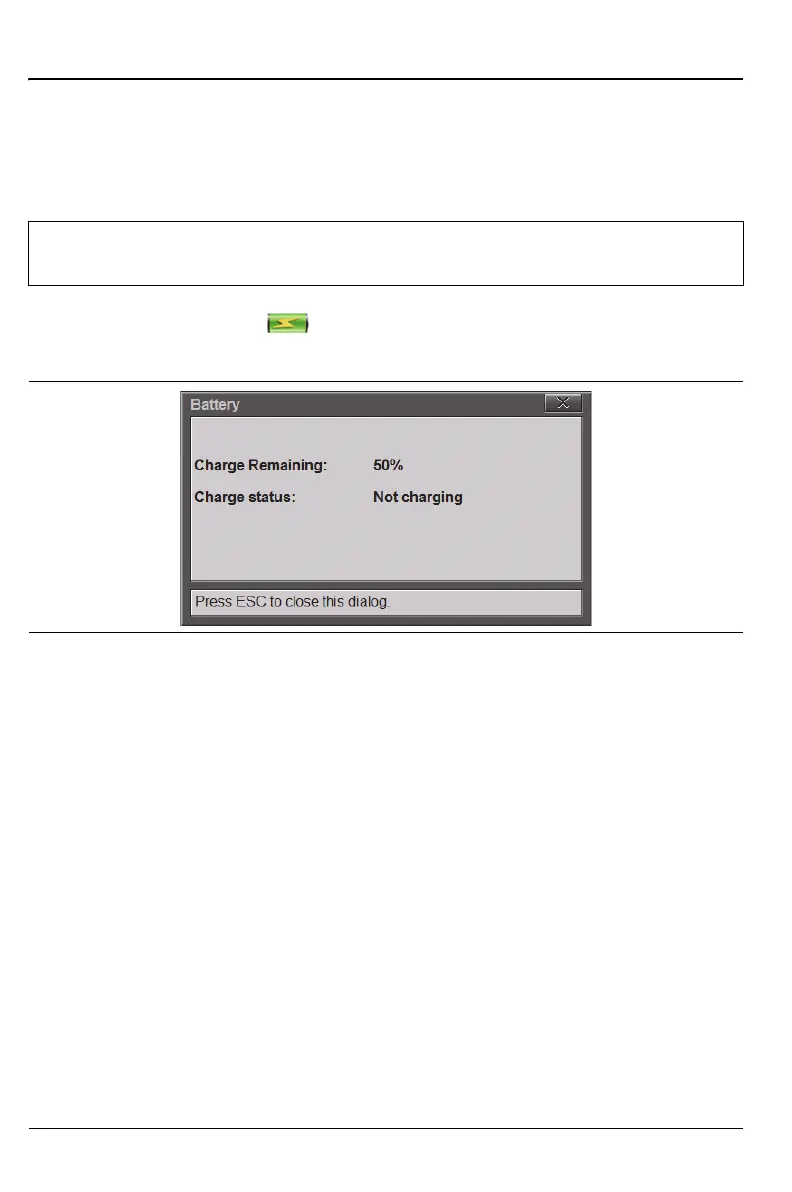
Pressing the battery icon displays the current battery information
(Figure 12-1). Press Esc to clear the message.
12-3 Battery Replacement
The battery can be replaced without the use of tools. The battery
compartment is located on the lower left side of the instrument (when you are
facing the measurement display).
Remove the battery as follows:
1. Slide the catch toward the bottom of the instrument
2. Pull the top of the door away from the instrument
3. Lift out the battery door.
4. Remove the battery pack from the instrument by grabbing the battery
lanyard and pulling it out.
Note
Use only Anritsu Company approved batteries, adapters, and
chargers with this instrument.
Figure 12-1. Battery Information











 To Next Page