3-66 PN: 10580-00343 Rev. H S820E UG
3-16 Limit State Menu Cable and Antenna Measurements
3-16 Limit State Menu
Key Sequence: Limit (6) or Limit > Limit State
Limit Menu (Continued)
Key Sequence: Limit > Edit Segments
Limit
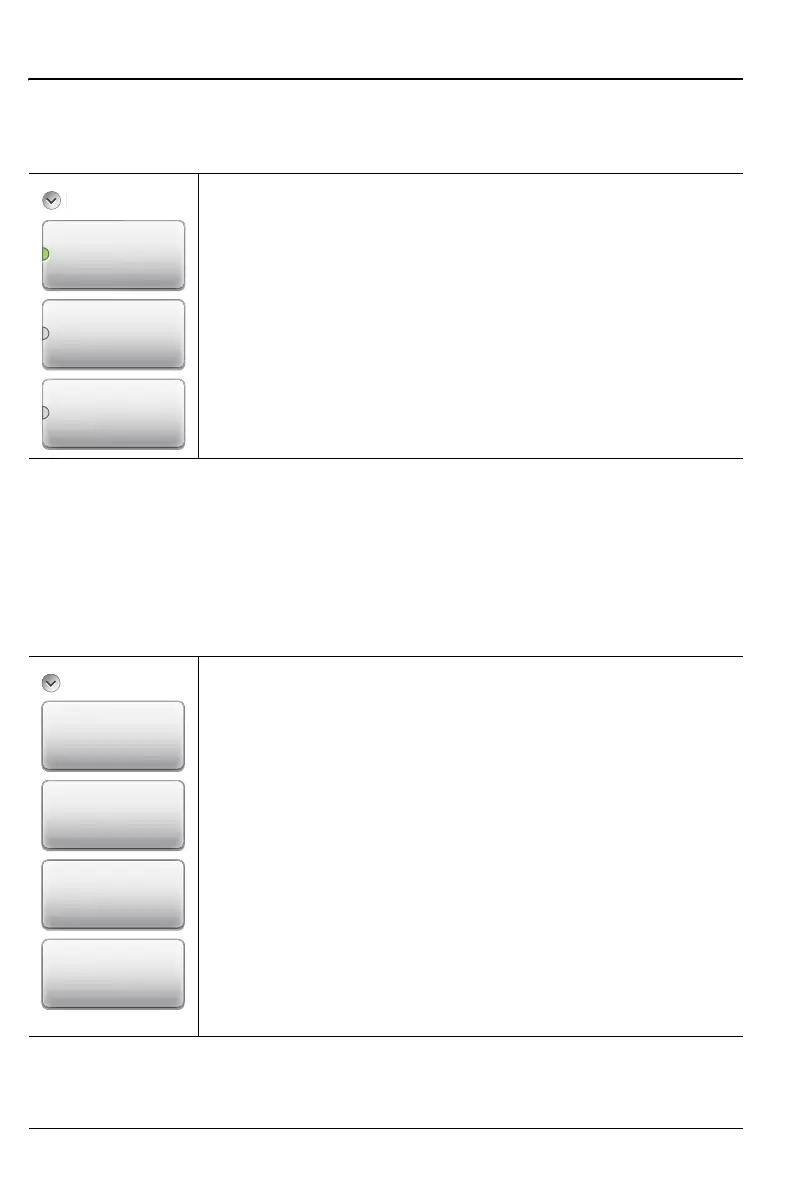
Off: Press this key to turn off limit lines.
Single: Press this key to create or move a single limit line.
Segmented: Press this key to create or edit segmented limit
lines.
Figure 3-45. Limit State Menu
Edit Segments
Add: Press this key to add a segment. A dialog box is
displayed allowing selection of Upper or Lower limit lines and
settings for Start and Stop x-axis values and y-axis values.
Press Enter to save changes, or press ESC to close without
saving.
Edit: Press this key to edit the highlighted segment. A dialog
box is displayed allowing selection of Upper or Lower limit
lines and settings for Start and Stop x-axis values and y-axis
values. Press Enter to save changes, or press ESC to close
without saving.
Delete: Press this key to delete the selected limit segments.
Close (ESC): Press this key (or press the Esc key) to close
the Segments menu and return to the Limit menu.
Figure 3-46. Limit Line Segments Menu
L
m
t S
Delete
Close
(ESC)
Add
Edit
Segments











 To Next Page