15-4 PN: 10580-00343 Rev. H S820E UG
15-3 VIP Setup Video Inspection Probe (VIP)
Launch the VIP Application
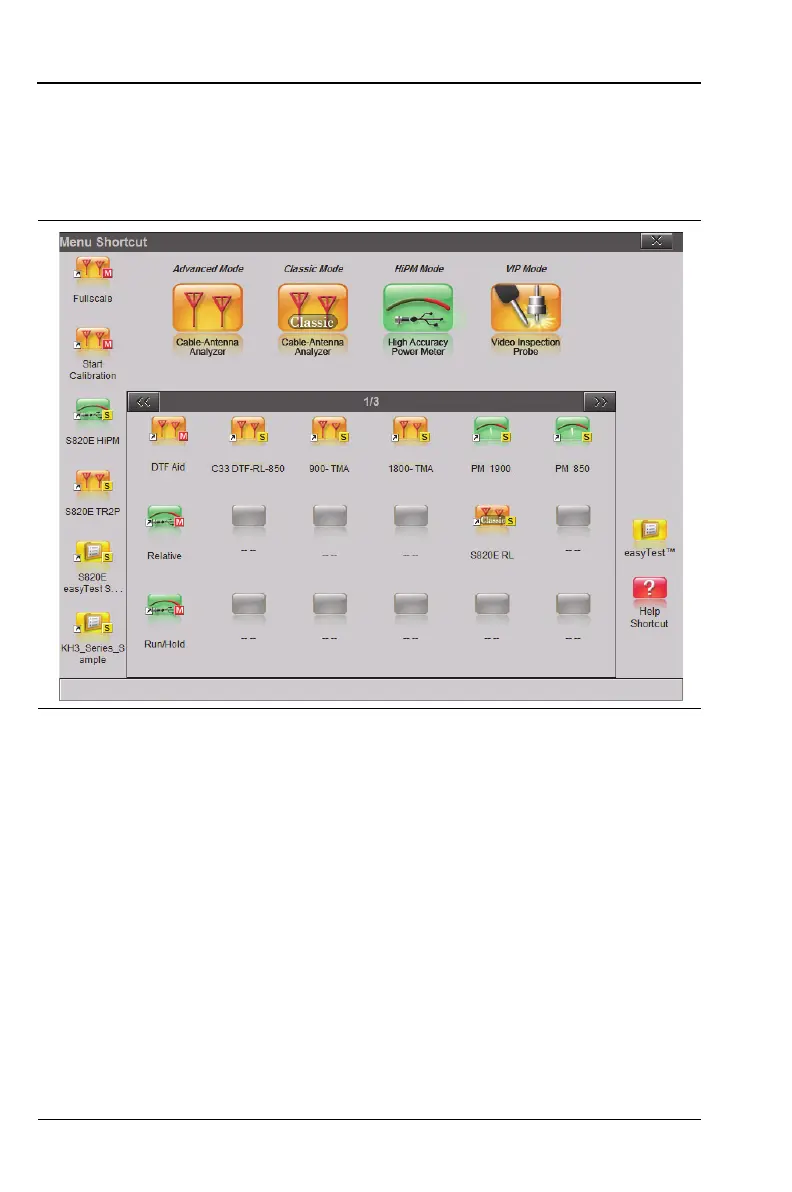
If the S820E is currently running a different application, or
measurement mode, press the Menu key, then press the VIP Mode
application icon. See Figure 15-2.
VIP Test Settings
To access the VIP test settings, press the Setup main menu key. Refer
to “Setup Menu” on page 15-12 for a description of the submenu keys.
1. The Probe Model submenu key shows the currently selected VIP
model. The Site Master currently supports only the Anritsu
Model G0306A probe.
2. Press the Tip Type submenu key to display the selection box. Use
the rotary knob or the Up/Down arrow keys to highlight the
appropriate probe tip, then press Enter to save the setting.
Table 15-1 on page 15-3 lists the available tip types.
To close the Tip Type dialog without making a change, press the
Esc key.
Figure 15-2. Menu Screen











 To Next Page