S820E UG PN: 10580-00343 Rev. H 15-5
Video Inspection Probe (VIP) 15-3 VIP Setup
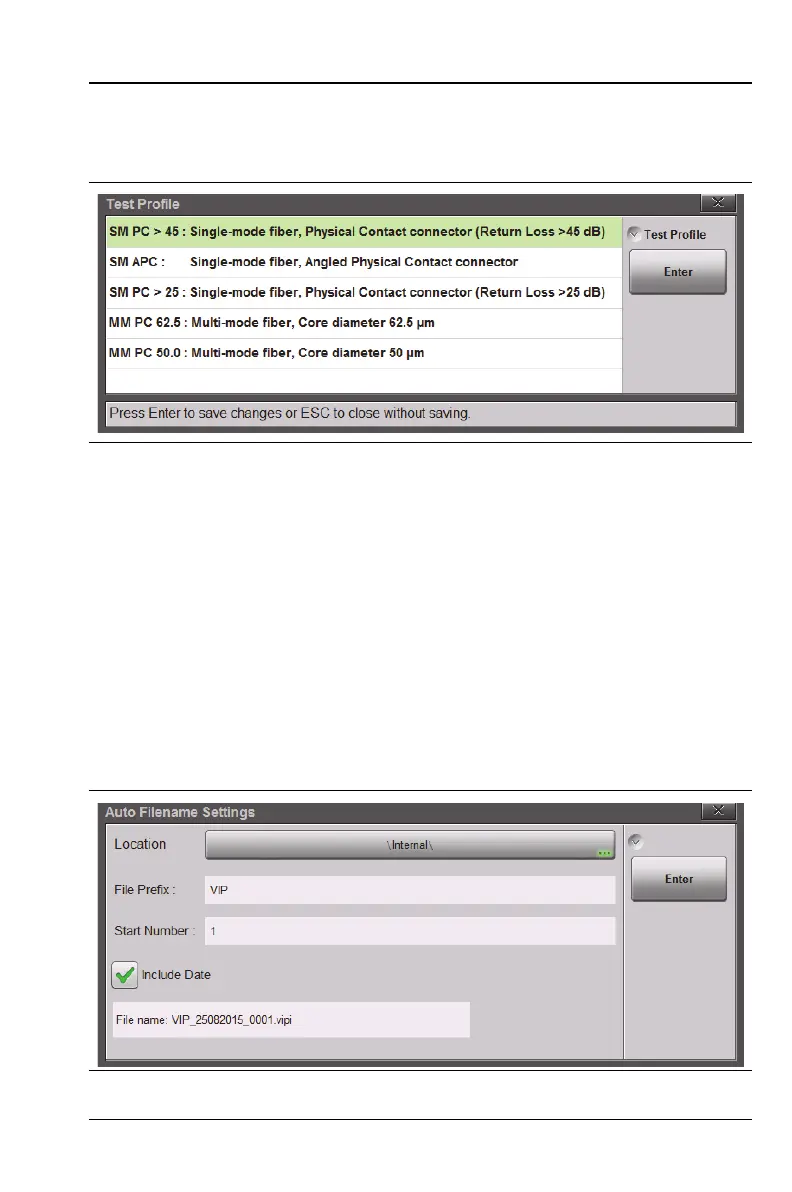
3. Press the Test Profile key to open the selection box. Use the rotary
knob or the Up/Down arrow keys to highlight the desired profile,
then press Enter to save the setting.
4. If needed, press the Auto Analyze key to set it On or Off. When On,
the VIP image is immediately analyzed when captured. Auto
analysis is not performed if the setting is Off.
5. The Auto Filename key determines if a file name is automatically
generated when saving a measurement or image to file. When
this setting is On, the saved file name and location are taken from
the auto filename settings.
6. Press the Auto Filename Settings submenu key to open the dialog
box shown in Figure 15-4. Press the Location bar to change the
save location. To edit the file prefix or the starting number, press
the appropriate text box. You may also include the current date.
Figure 15-3. VIP Test Profile Selection Box
Figure 15-4. Auto Filename Settings Dialog











 To Next Page