10-18 PN: 10580-00343 Rev. H S820E UG
10-5 Recall Files File Management
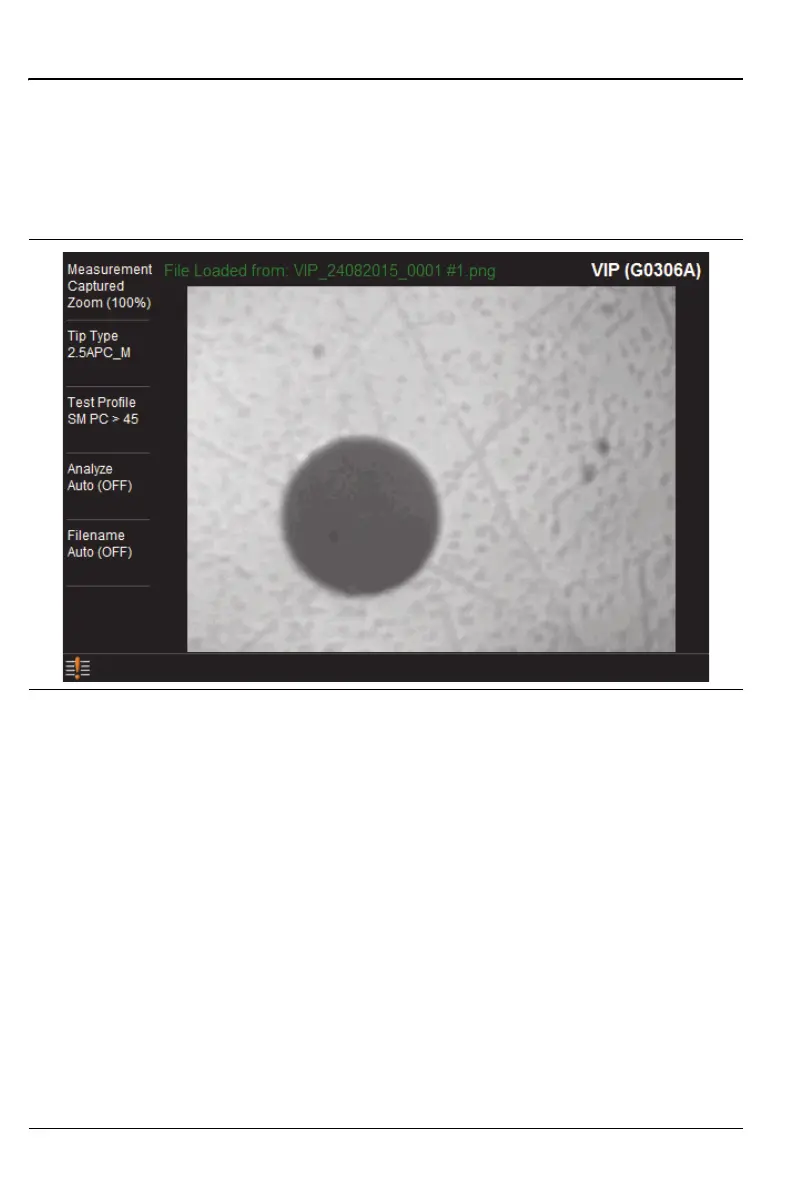
Recall a VIP Image (VIP Mode Only)
In VIP mode, press the Save/Recall main menu key, then press Recall.
Confirm that the Filetype is VIP Image or All. Select the file (.png extension)
with the touchscreen, rotary knob, or the Up/Down arrow keys, then press
Enter (or the Recall submenu key).
A recalled VIP image can be analyzed and the results included in a VIP
report. Refer to “Measurement Menu” on page 15-13.
Figure 10-16.Recalled VIP Image File











 To Next Page