S820E UG PN: 10580-00343 Rev. H 8-27
Vector Voltmeter 8-12 Calibration Menu
8-12 Calibration Menu
Key Sequence: Calibration
Calibration
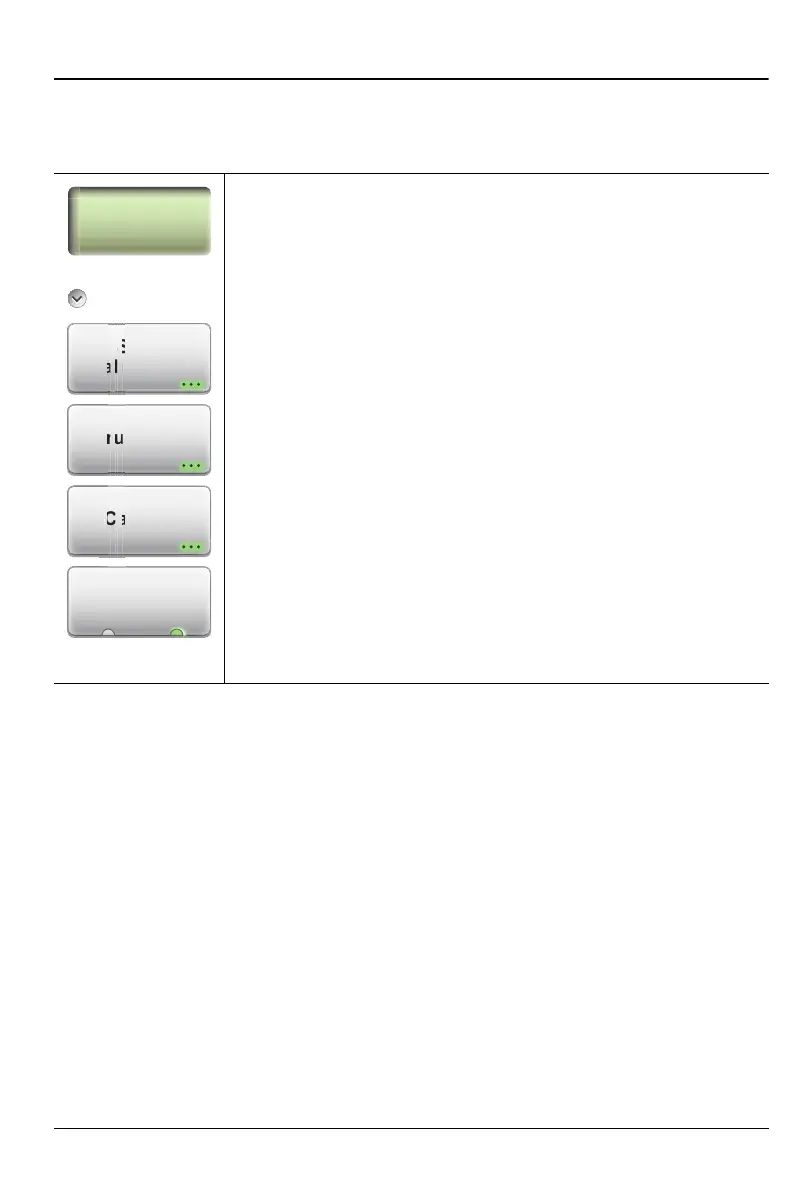
Start Calibration: Press this submenu key to display the
Step 1 calibration dialog box (see Figure 8-21 on page 8-28).
Thru Update: Press this submenu key to Open the
Calibration dialog box to allow calibrating the Thru
component without repeating the entire calibration
sequence. This key is displayed only after a calibration with a
Thru component.
Cal Info: Press this submenu key to display the Calibration
Information table (for an example, see Figure 4-3
on page 4-3).
Cal Correction
On Off: Press this submenu key to toggle the current
calibration On or Off. A valid calibration must be available in
order to turn on this setting.
Figure 8-20. Calibration Menu
Calibration
Start
Calibration
i
r
r
i
Cal Info
Calibration
Thru Update
l In
U
dat
C
rr
i











 To Next Page