3-58 PN: 10580-00343 Rev. H S820E UG
3-11 Freq/Dist Menu Cable and Antenna Measurements
3-11 Freq/Dist Menu
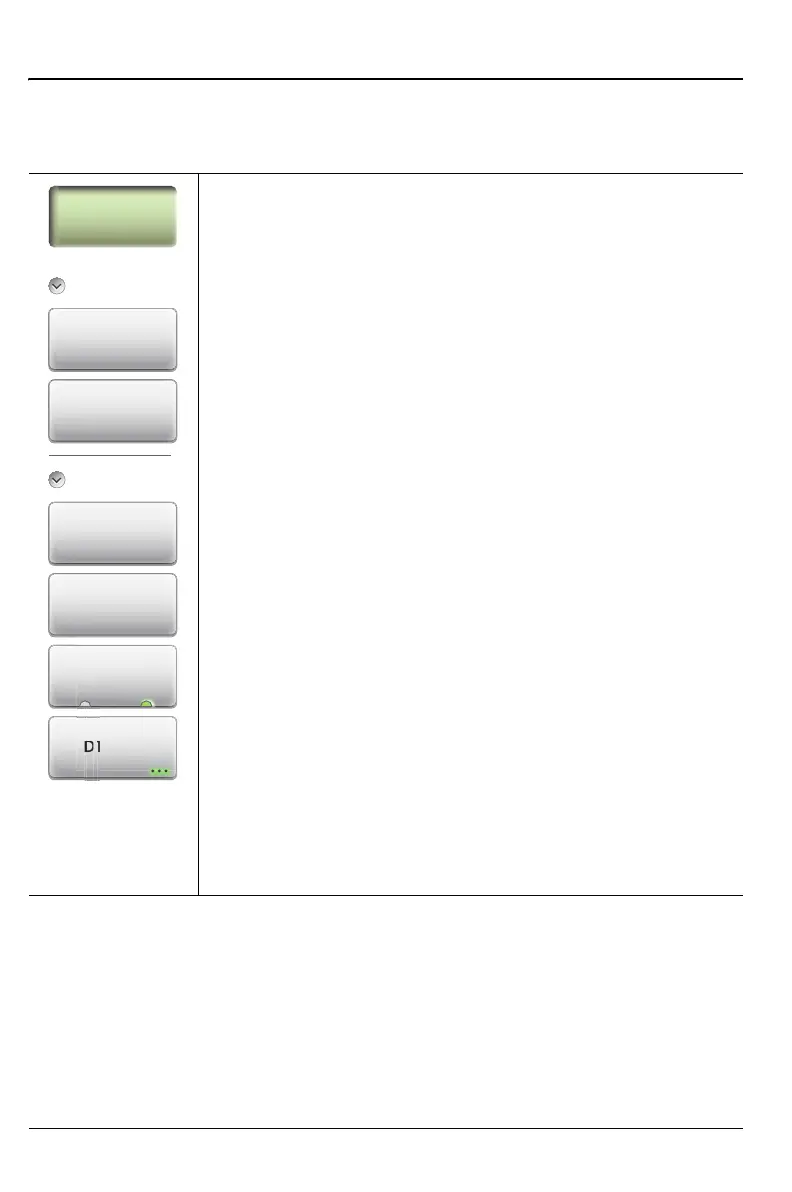
Key Sequence: Freq/Dist
Frequency
Start Frequency (F1): Press the Start Frequency (F1)
submenu key and enter the desired frequency using the
Up/Down Arrow keys, the rotary knob, or the keypad.
Press Enter to complete the entry or, if entering a frequency
using the keypad, press the appropriate units key.
Stop Frequency (F2): Press the Stop Frequency (F2)
submenu key and enter the desired frequency using the
Up/Down Arrow keys, the rotary knob, or the keypad. Press
Enter to complete the entry or, if entering a frequency using
the keypad, press the appropriate units key.
Distance
Start Distance (D1): Press the Start Distance submenu key
and enter the desired distance using the Up/Down Arrow
keys, the rotary knob, or the keypad. Press Enter to
complete the entry or, if entering a distance using the
keypad, press the appropriate units key.
Stop Distance (D2): Press the Stop Distance submenu key
and enter the desired distance using the Up/Down Arrow
keys, the rotary knob, or the keypad. Press Enter to
complete the entry or, if entering a distance using the
keypad, press the appropriate units key.
Units: Press the Units key to toggle distance units between
meters and feet.
DTF Aid: Opens the DTF Aid dialog box (Figure 3-5). This
interactive parameter box allows setting multiple parameters
and displays maximum testing distance and resolution.
Figure 3-37. Frequency/Distance Menu (1 of 2)
Freq/Dist
Frequency
DTF Aid
Units
m ft
Stop Distance
(D2)
Start Distance
(D1)
Stop
Frequency
(F2)
Start
Frequency
(F1)
Distance











 To Next Page