S820E UG PN: 10580-00343 Rev. H 2-27
Instrument Overview 2-5 Touchscreen Display Overview
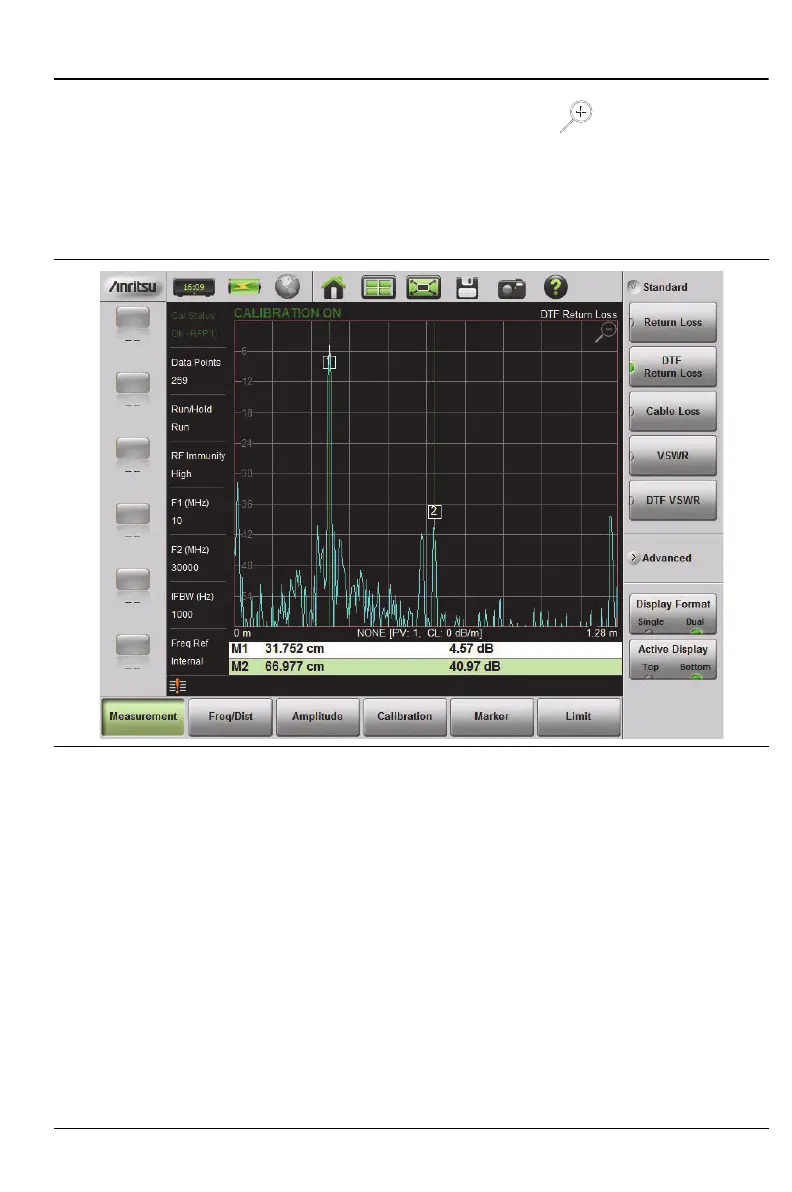
4. To maximize either the top display or bottom display while still in Dual
display format, tap the magnifying glass symbol in the upper-right
corner of either graph. The graph maximizes, and the magnifying glass
symbol changes from a (+) to a (–).
5. Figure 2-15 on page 2-27 shows the Bottom graph maximized. Tapping
on the magnifying glass restores the dual display.
Display Modes
In addition to the standard color display, the Site Master S820E offers the
following Color Schemes:
Daytime for challenging daytime viewing conditions requiring increased
contrast and brightness.
Nighttime optimized for night-time viewing with decreased contrast and
brightness.
To change the display mode, System (8) > System Setups > Display/Audio and
select one of the Color Schemes. Press Enter to set or Esc to cancel the
display mode change.
Figure 2-15. Dual Display Format with Bottom Display Maximized











 To Next Page