2-26 PN: 10580-00343 Rev. H S820E UG
2-5 Touchscreen Display Overview Instrument Overview
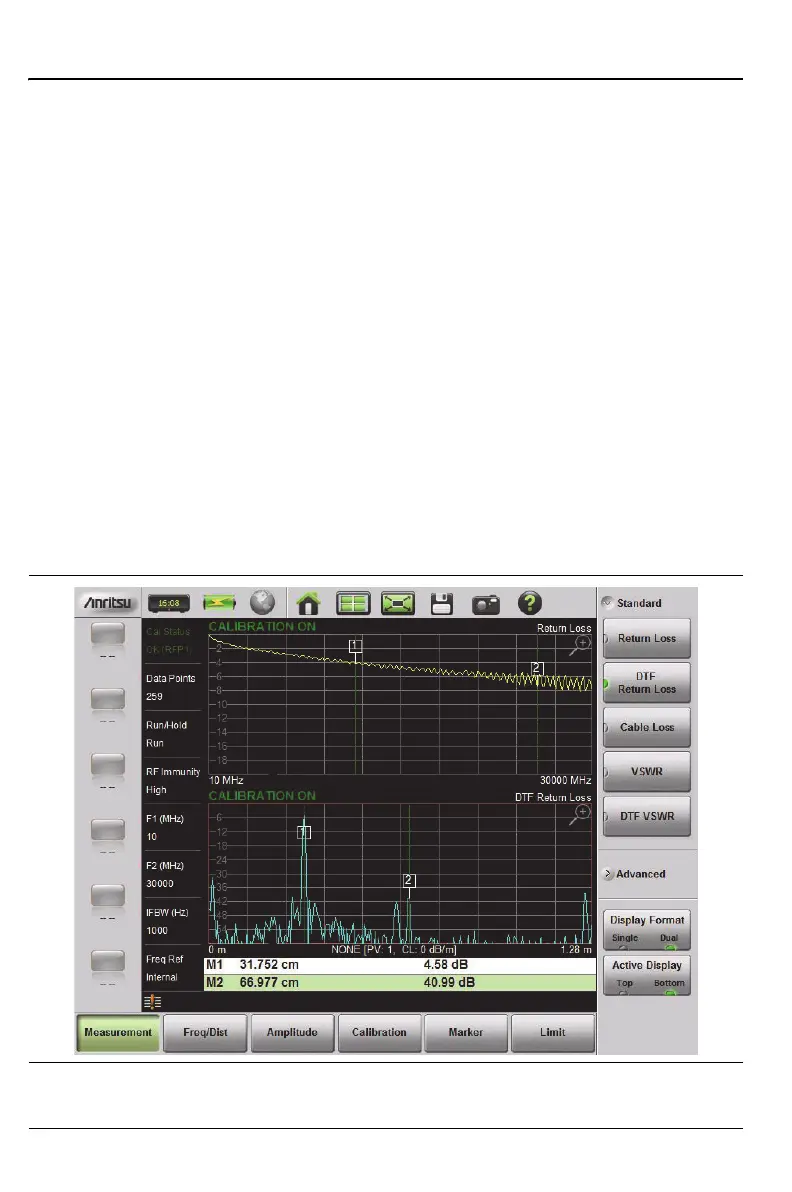
Different Amplitudes, Limit Lines, and Markers can be set for each display. If
the Marker Table is turned On in Dual Display Mode, then the markers for
only the active display are shown in the table.
Setting Single or Dual Display
1. Press the Measurement main menu key.
2. Toggle the Display Format submenu key so that it is set to Dual.
Saving Measurements in Dual Display
When saving a file while in dual display mode, both traces are saved in a
single measurement file. The default filename will contain references to both
trace types, but you can change the name, as with any file. Refer to “Custom
Name” on page 10-10.
3. Change the active measurement by toggling the Active Display key or
touching the display directly. The red outline around the graph
indicates the active display.
Figure 2-14. Dual Display Format with Bottom Display Active











 To Next Page