14-4 PN: 10580-00343 Rev. H S820E UG
14-3 easyTest on the S820E Anritsu easyTest Tools
14-3 easyTest on the S820E
After an easyTest Tool test sequence has been created on a PC, use the
following steps to transfer the file from a USB Memory stick into the
instrument.
1. Insert the USB Memory stick with the easyTest (.ett) file in the S820E
Site Master.
2. Press the Menu button.
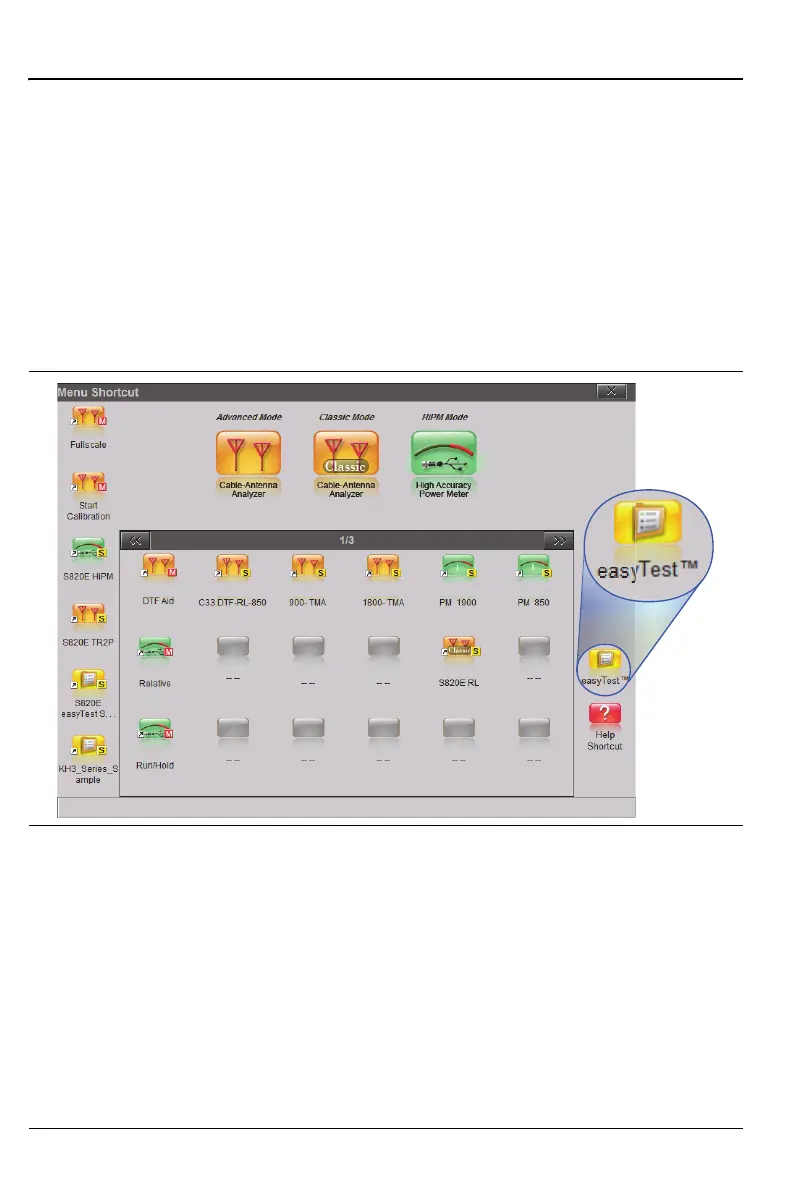
3. Press the easyTest icon in the lower-right corner to display the easyTest
Recall dialog box.
Figure 14-2. easyTest Icon











 To Next Page