S820E UG PN: 10580-00343 Rev. H 14-5
Anritsu easyTest Tools 14-3 easyTest on the S820E
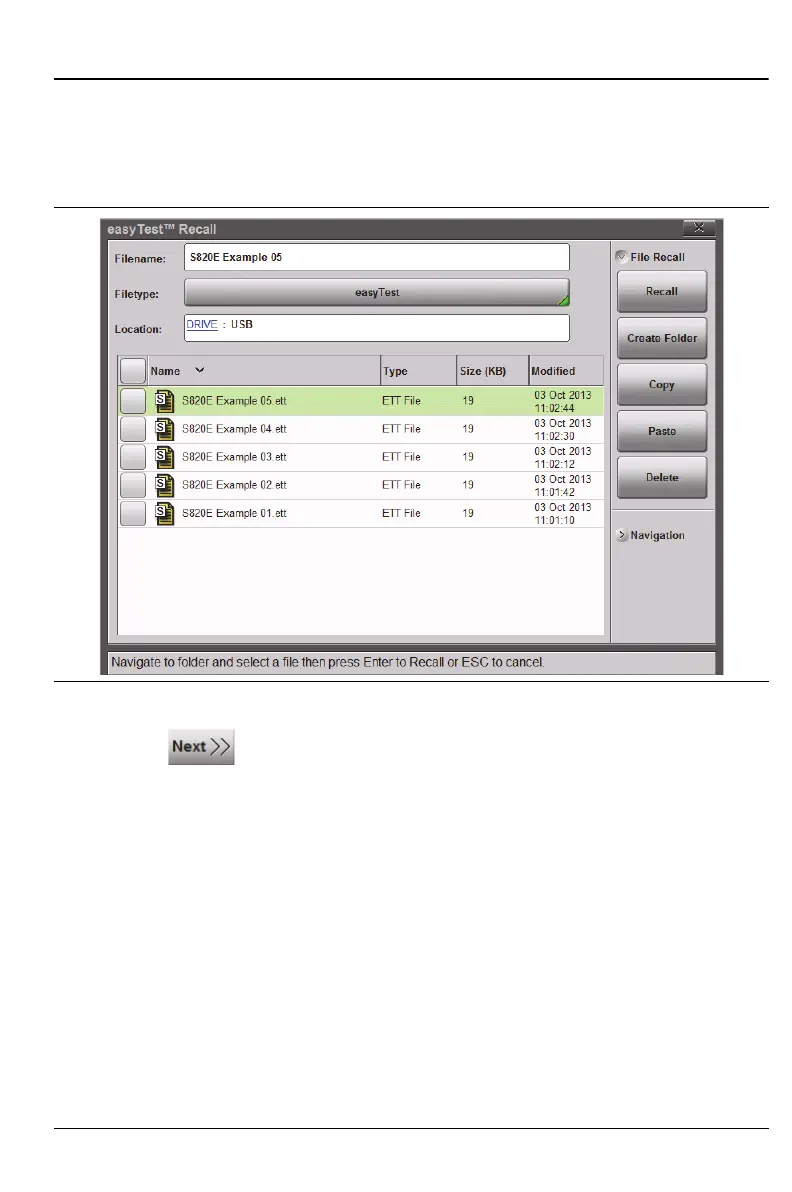
4. Select the file on the USB Memory stick and press Recall or Enter
(Figure 14-3). Alternatively, copy the file to internal memory and recall
the file from that location. Immediately after the .ett file is recalled,
the test sequence is executed.
5. Press to step through the file, or press Esc to abort.
6. Follow the instruction prompts on the Status/Instruction bar. Press
either the “Next Step” button on the touchscreen or the Right Arrow
key on the instrument to continue to the next step.
7. After completing the last step, an Attention dialog box informs you that
the easyTest file sequence is completed and closing.
Figure 14-3. Recalling an easyTest File











 To Next Page