S820E UG PN: 10580-00343 Rev. H 4-19
Calibration, CAA 4-4 Calibrate Menu
4-4 Calibrate Menu
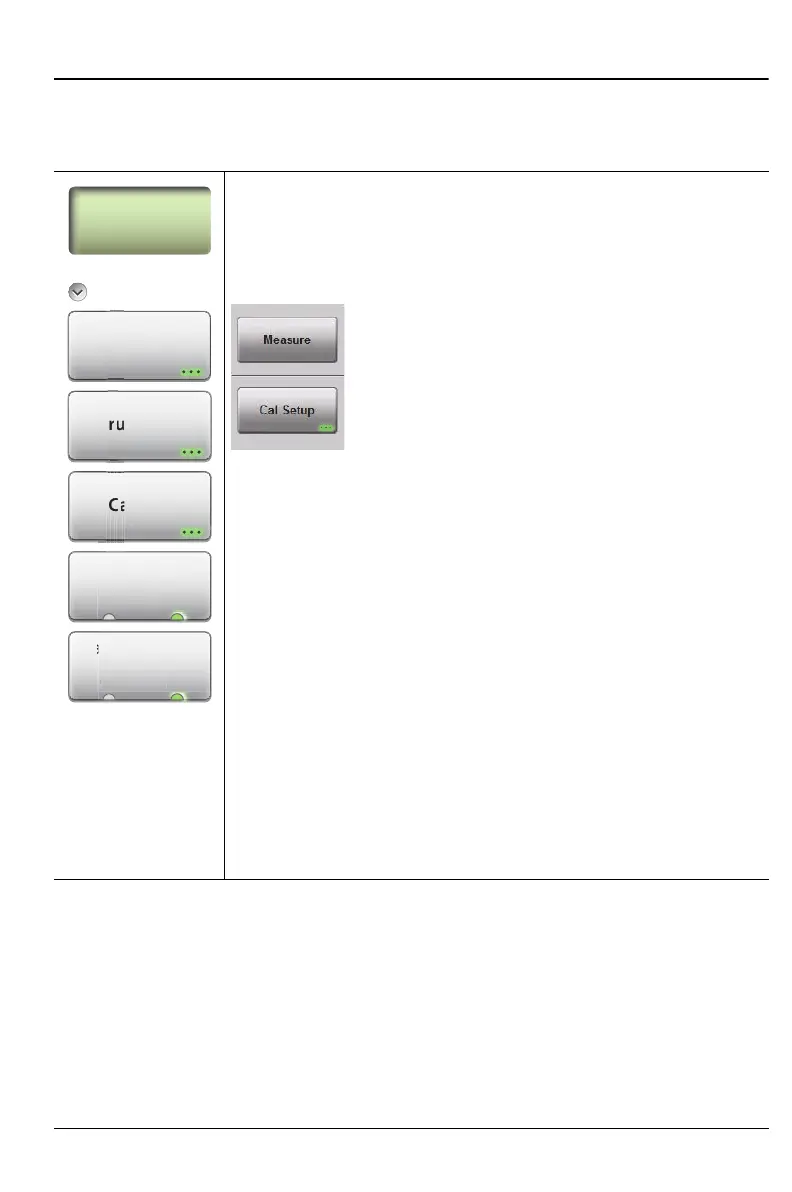
Key Sequence: Calibration
Calibration
Start Calibration: Press this submenu key and follow the
instructions on screen.
Measure: Press this submenu key to start
the calibration process.
Cal Setup: Press this submenu key to open
the Setup window to allow adjustments to the
Cal Type, Cal Line, Port DUT, and
Port Cal Kit. Refer to Figure 4-4 on page 4-4.
Thru Update: Opens the Calibration dialog box to allow
calibrating the Thru component without repeating the entire
calibration sequence. This key is displayed only after a
calibration with a Thru component.
Cal Info ... Press this submenu key to display information
about the current settings and active cal settings. Refer to
Figure 4-3 on page 4-3.
Interpolation
On Off: Press this submenu key to toggle Interpolation On
or Off. After performing a calibration, you can turn
Interpolation On and then change the frequency range
(smaller) or change the number of data points (to be higher
than 1033).
Cal Correction
On Off: Pressing this submenu key determines whether
the active cal is applied to the current measurement.
Figure 4-11. Calibrate Menu
Start
Calibration
Cal Correction
On O
Cal Info
Thru Update
l Inf
Updat
l C
rrecti
te
o
atio











 To Next Page