S820E UG PN: 10580-00343 Rev. H 10-5
File Management 10-4 Save Files
Set the Save Location
Navigate within a location in Internal Memory or a USB flash drive, then
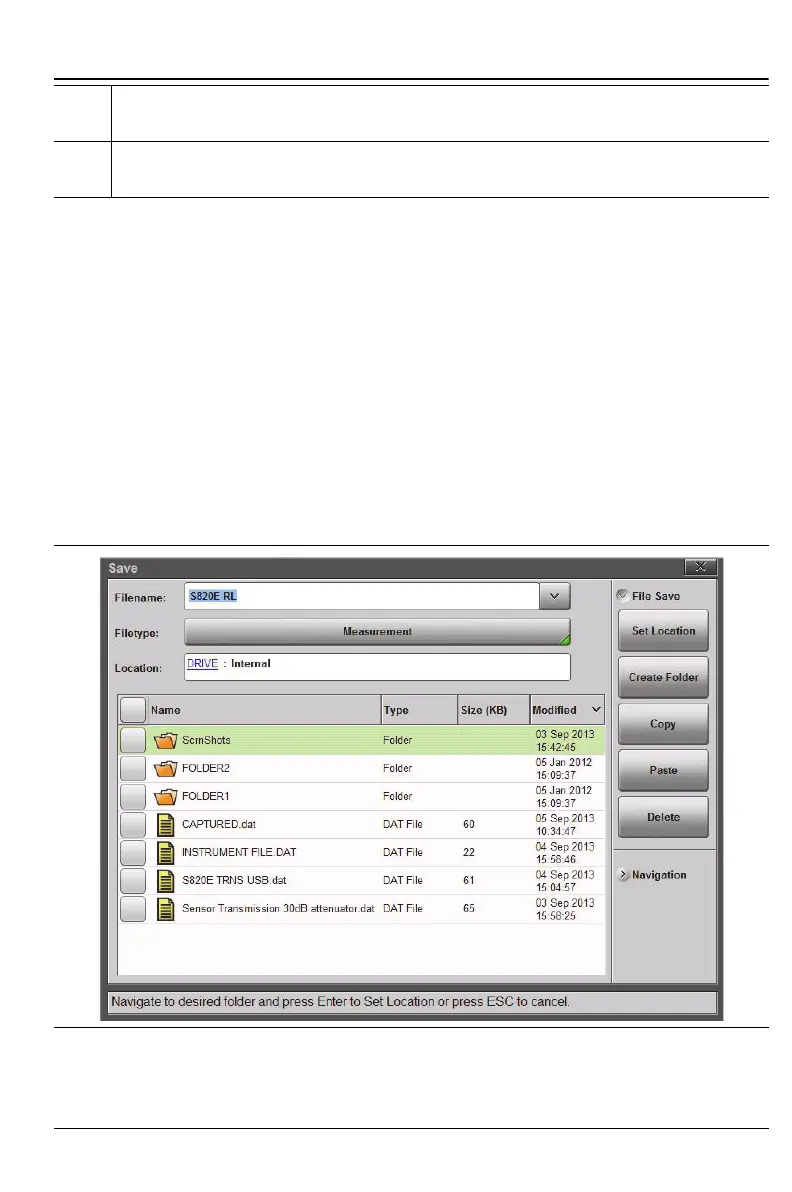
press Set Location. The selected save location is displayed. In Figure 10-2 the
bread crumb shows that pressing Set Location will set the location to the root
level of the internal memory (even if a subfolder is highlighted).
1. Press the Location button shown in Figure 10-1 and select where to save
the file. The default location is the Site Master internal memory
(Figure 10-2).
10. Current Save Location. Tap to Change. Refer to “Set the Save Location”
on page 10-5.
11. Current Filetype. Tap to Change. Refer to “Set the File Type”
on page 10-8.
Figure 10-2. Default Save Location
Figure 10-1. Save Dialog Box (2 of 2)











 To Next Page