S820E UG PN: 10580-00343 Rev. H 10-13
File Management 10-4 Save Files
After the keys have been labeled as needed, they can be used to quickly create
filenames with the required file naming conventions. Select the type of file
and press Enter to save the file.
Saving
1. After setting the location and file type, press Save.
2. The selected location and file type are now set for saving additional
files.
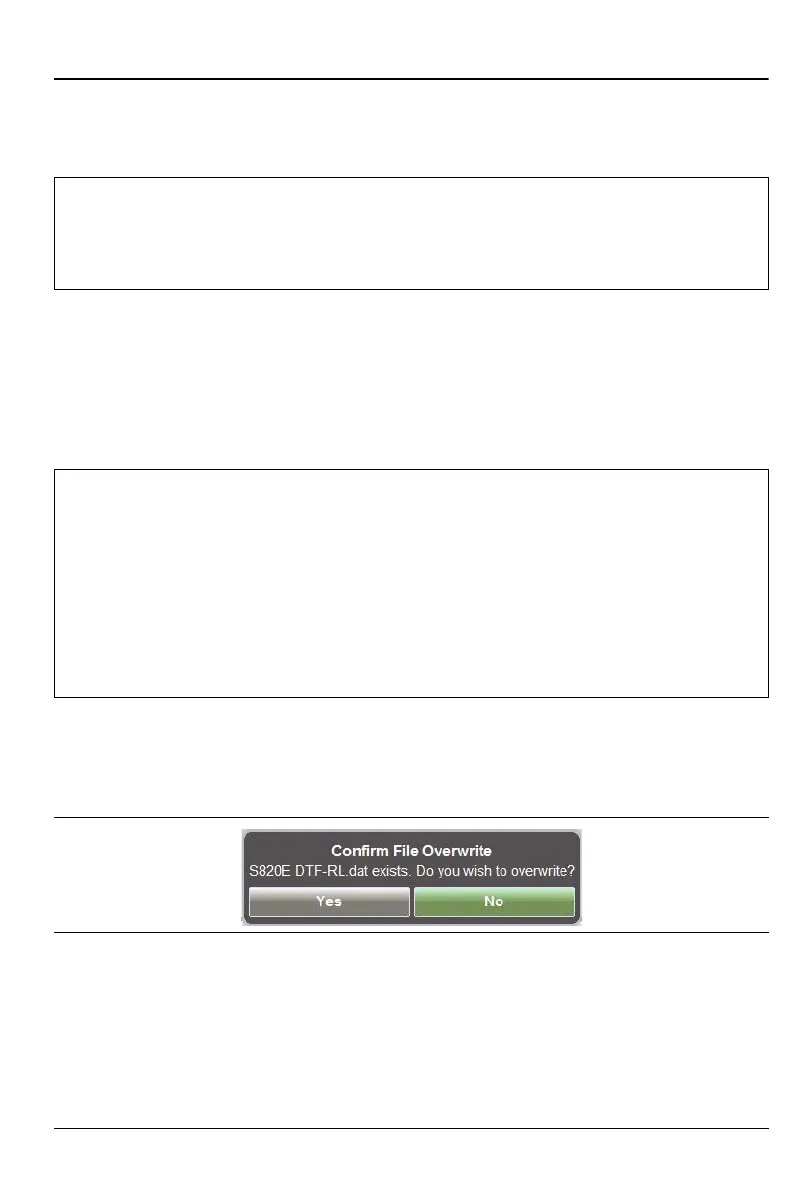
3. If a file with the same name already exists at the save location, then a
warning is displayed. You are required to chose whether to overwrite
the existing file. The default is No
Additional Menus
Pressing the Location: button (in the Save menu) opens the Save dialog box
(Figure 10-4) and displays the File Save and Navigation submenus. These
functions are described in “File Mgmnt Menu” on page 10-34.
Note
A user-defined EZ Name matrix is saved in internal memory and
will be available for future use until the custom file is deleted, or a
Master Reset is performed. Refer to the “Preset Menu”
on page 11-27 for additional information.
Note
Anritsu recommends creating a new folder for each test site and
saving all of the measurements for that specific site in the created
folder.
The Site Master offers an EZ Name grid for quickly naming
measurement files. Refer to “EZ Name Matrix” on page 10-10 for
additional information.
Often used setup files can also be created and saved in a
user-defined “Setup” folder.
Figure 10-9. Confirm File Overwrite











 To Next Page