S820E UG PN: 10580-00343 Rev. H 6-29
VNA Mode 6-10 Calibration Menu
6-10 Calibration Menu
Refer to Chapter 7, “Calibration, VNA”.
6-11 Marker Menu
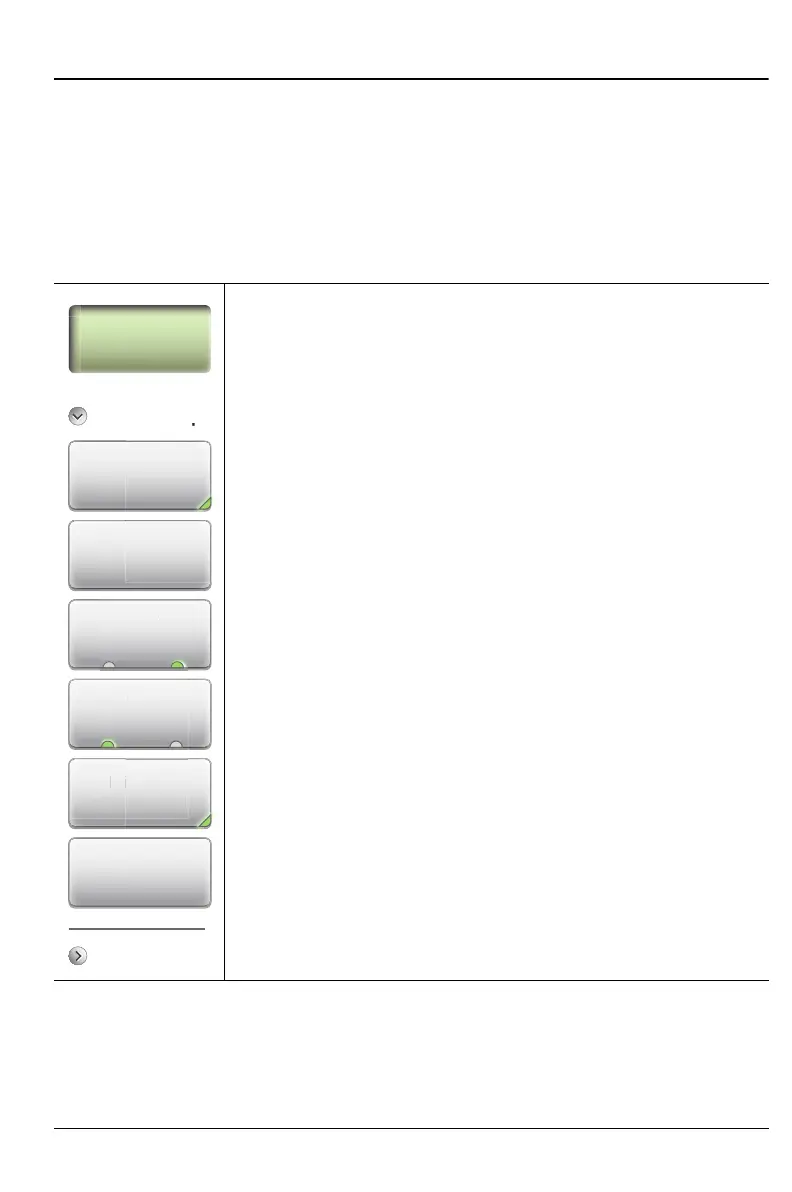
Key Sequence: Marker
Marker Setup
Select (1–8) M#: Press to turn on a marker (1 to 8) and
selects which marker is active (green half circle). Current
active marker is displayed on the button (M1).
Edit: Press to change the position of the active marker using
the Up/Down Arrow keys, rotary knob or the keypad.
Type: Sets the current active marker as a reference
(standard) marker or a delta marker relative to Marker 1.
Marker 1 is always a reference marker.
M1 (On Off): Toggles the display of the active marker (M1
through M8) On or OFF. When off, the location of the marker
is stored.
Display (Mkr + Table, Mkr Only, Off): Press to see display
options.
Mkr+Table: Displays both the markers that are on
and the marker table.
Mkr Only: Displays markers that are on, but hides the
marker table.
Off: Hides all markers and the marker table.
Marker Preset: Turns off all markers except for Marker 1.
Sets Marker 1 location to the middle of the sweep.
Figure 6-20. Marker Menu (1 of 2)
p
Ref Delta
Display
Mkr + Table
Edit
Marker Setup
Marker Search
Marker Preset
M1
spla
+ Ta
di
ct
1-8











 To Next Page