10-14 PN: 10580-00343 Rev. H S820E UG
10-5 Recall Files File Management
10-5 Recall Files
The Recall menu enables you to recall a measurement file or a setup file from
internal memory or an external USB drive. Recall also allows the user to
preview saved image files. Refer to the “Recall Menu” on page 10-32 for
additional information.
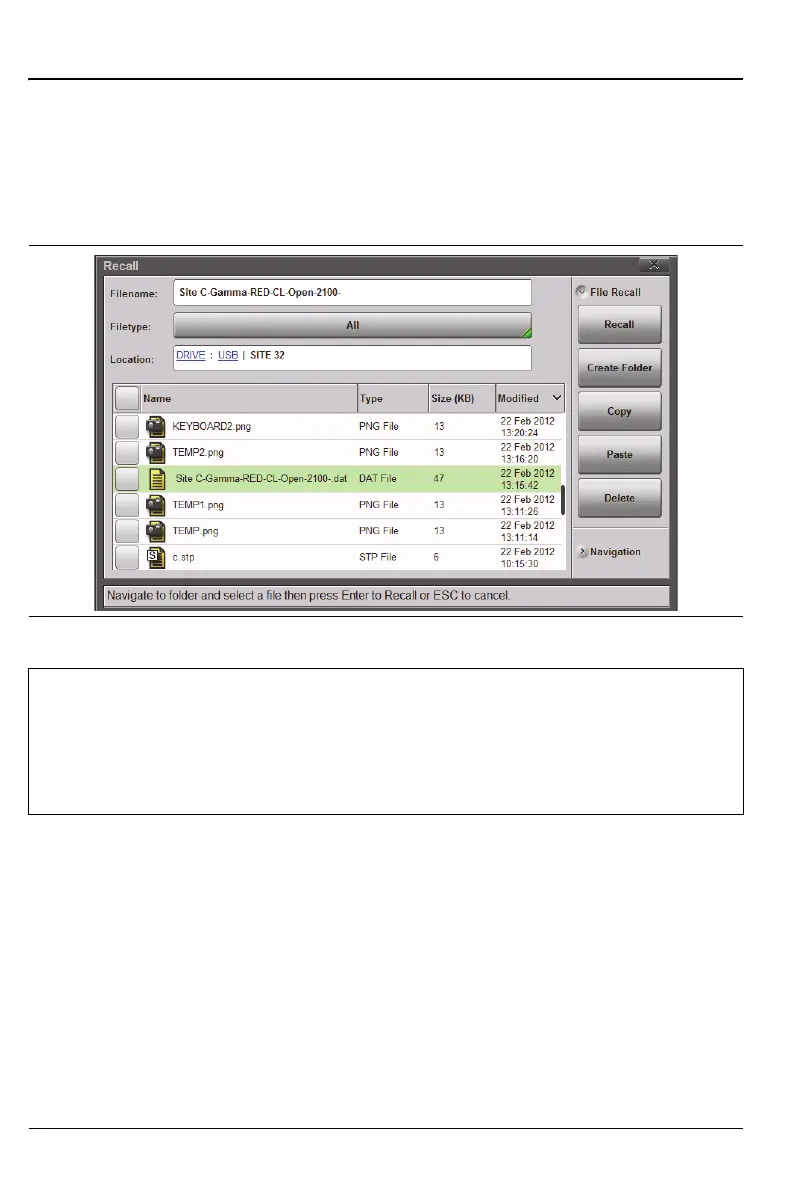
Recall a Measurement
Press the File (1) keypad menu key to display the File menu, then press Recall
to open the Recall dialog box. Select the measurement file (.dat extension)
using the touchscreen, rotary knob, or the Up/Down arrow keys, then press
Enter (or the Recall submenu key).
Figure 10-10.Recall Menu
Note
Recalling a measurement or setup may change the current
instrument settings, and may turn off any current calibration
correction. Consider saving the current setup before recalling a
file.
Only one file (of any type) can be recalled at a time.











 To Next Page