9-18 PN: 10580-00343 Rev. H S820E UG
9-4 MA24105A Inline Power Sensor High Accuracy Power Meter
Displaying Relative Power
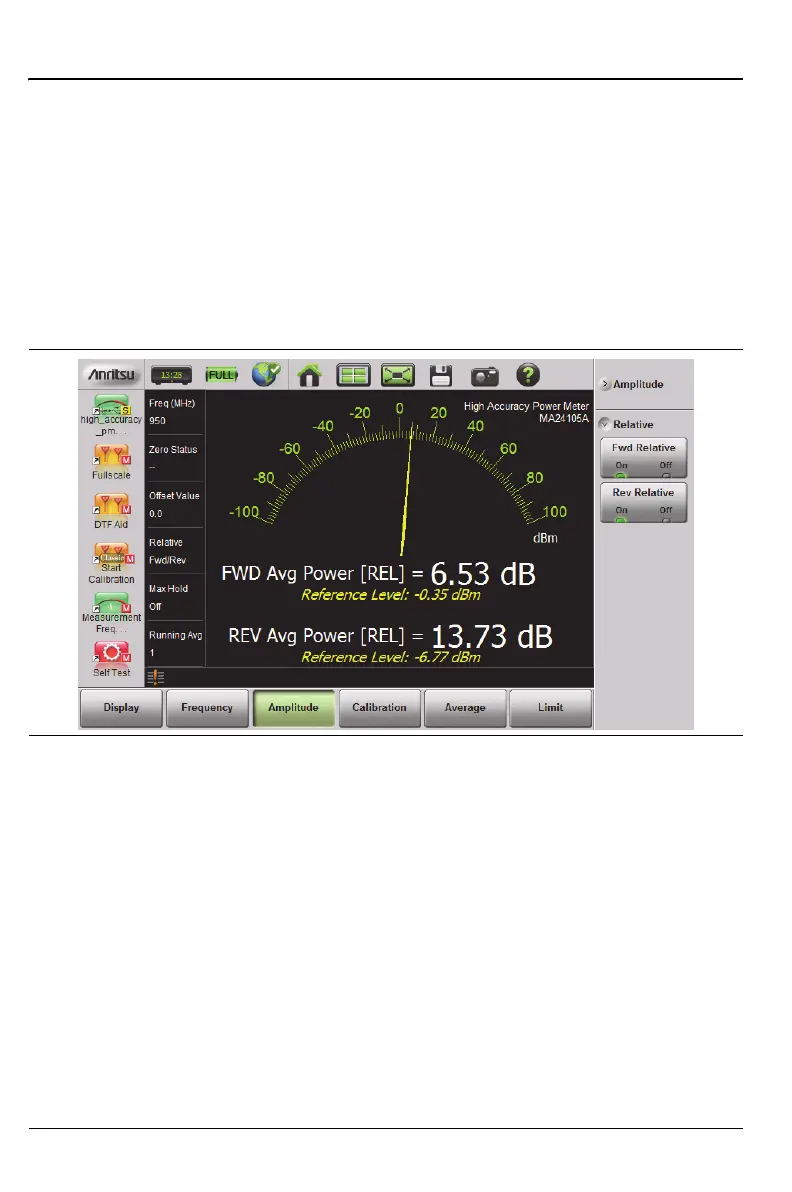
Use the following procedure to select Relative Power through the Amplitude
menu.
1. With the desired base power (reference) levels connected to the USB
in-line sensor, press the Amplitude main menu key.
2. Press the Fwd Relative and/or Rev Relative submenu keys.
3. Any change in either forward or reverse power is now displayed relative
to the set reference level power. Refer to Figure 9-13.
Figure 9-13. Forward and Reverse Relative Power











 To Next Page