7-22 PN: 10580-00343 Rev. H S820E UG
7-5 Calibration Menu Calibration, VNA
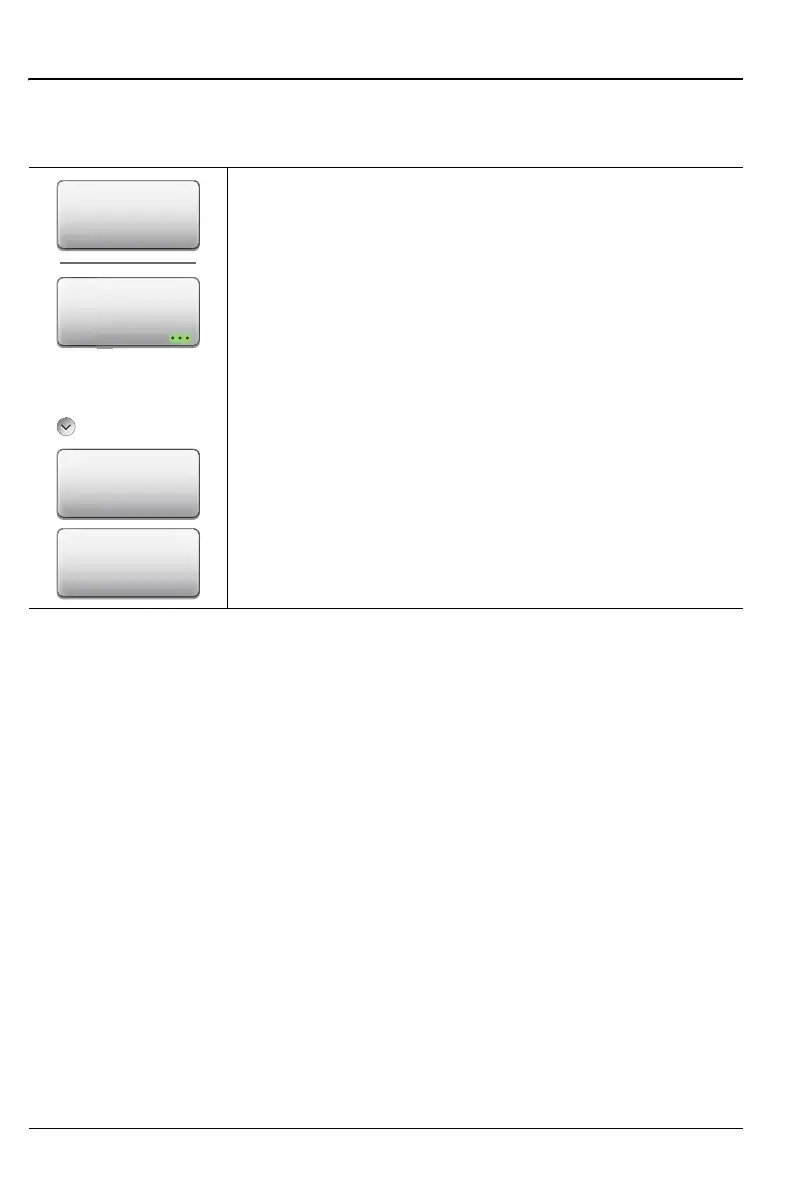
Start Calibration Menu
Key Sequence: Calibration > Start Calibration
Calibration
Measure: Starts the calibrations process. Follow the on
screen instructions.
Cal Setup: Press this submenu key to choose a
calibration type.
Edit Selection: Press this submenu key to further refine
a calibration setup type. For an example, refer to
“Calibration Edit Selection Dialog Box” on page 7-23.
Exit Setup: Press this submenu key to exit the setup
screen and begin the calibration (by pressing Measure).
Figure 7-14. Start Calibration Menu
Cal Setup
Measure
Edit Selection
Exit Setup
Cal Setup











 To Next Page