6-42 PN: 10580-00343 Rev. H S820E UG
6-18 Trace Menu VNA Mode
6-18 Trace Menu
Key Sequence: Trace (5)
and
Key Sequence: Trace (5) > Trace Display
Trace
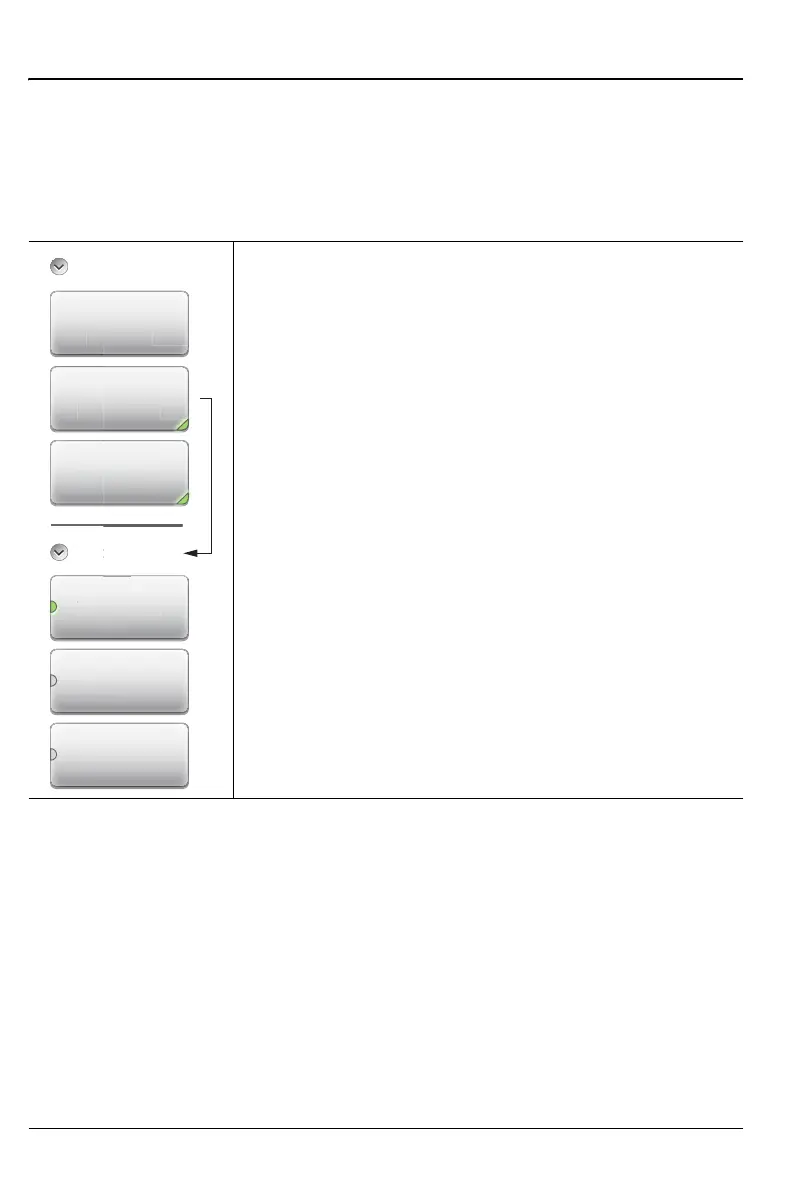
Copy Trace to Display Memory: Copies the current
trace display to memory for use in Trace Math and Trace
Display options.
Trace Display: Press to change the display options.
Data Math: Press to change the trace math options.
Refer to “Trace Menu (continued)” on page 6-43.
Trace Display
Trace Only: The active trace is displayed (yellow).
Memory Only: The trace that is stored in memory is
displayed (purple).
Trace & Memory: If a trace is stored in memory, then
the stored trace (purple) and the current active trace
(yellow) are both displayed.
Figure 6-33. Trace Menu (1 of 2)
Trace Display
Trace Only
Tr
Trace
Trace &
Memory
Memory Only
Copy Trace To
Memory
Trace
Trace Display
Trace Only
Disp
a
e On
Data Math
None
isp
a
e D
a Mat
n











 To Next Page