S820E UG PN: 10580-00343 Rev. H 8-23
Vector Voltmeter 8-9 Measurement Menu (2 of 2)
8-9 Measurement Menu (2 of 2)
Key Sequence: Measurement
Measurement
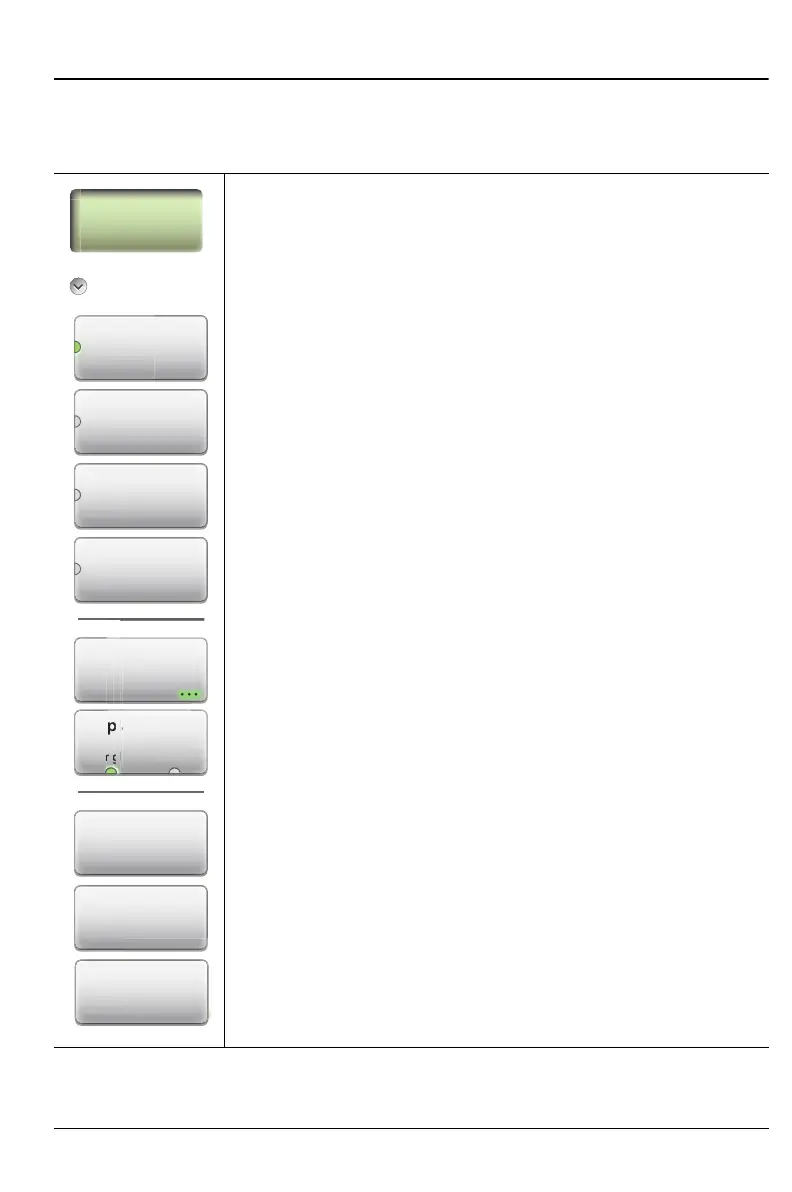
Save Reference: Press this submenu key to save the
current measurement as a reference. Note that this is
equivalent to the Zero function found on some other VVM
products. Saving a reference sets the VVM to relative
measurement mode. Text and data in the display are
changed from black font to green, and “Relative Value” is
displayed. The reference values are displayed in black font.
Clear Reference: Press this submenu key to remove the
reference measurement from memory. This resets the VVM
to display absolute measurement values.
Clear Table: Press this submenu key to clear all of the
saved measurements in Table display format. The saved
reference value remains saved to allow additional relative
measurements. This submenu key appears only when
Display Format is set to Table.
Figure 8-15. Measurement Menu – 2 of 2
Re
ect
Transmission
A/B
B/A
Display Format
Dis
y Form
Ta
Measurement
Format
Save
Reference
Clear
Reference
Clear Table











 To Next Page