8-26 PN: 10580-00343 Rev. H S820E UG
8-10 Frequency Menu Vector Voltmeter
8-10 Frequency Menu
Key Sequence: Measurement
8-11 Amplitude Menu
Key Sequence: Amplitude
Frequency
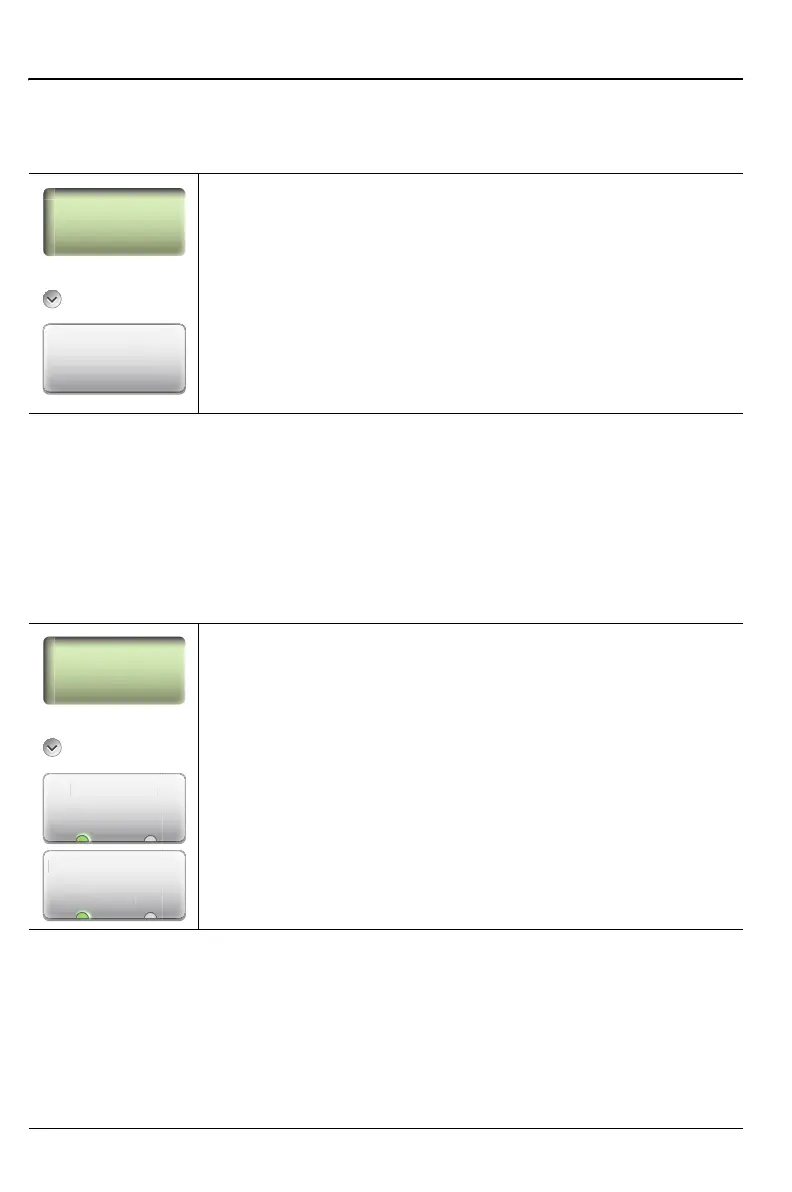
Measurement Frequency: Press this submenu key to set a
frequency for the measurement. Use the number keypad to
enter a value, then press a Units submenu key (Hz, kHz,
MHz, or GHz). Pressing the Enter key is the same as
pressing MHz. The frequency can also be changed using the
Up/Down arrow keys and the rotary knob.
Figure 8-18. Frequency Menu
Amplitude
Resolution
12:Press this submenu key to toggle the decimal display
to 1 or 2 digits after the decimal point. The default setting
is 1.
Ref. Impedance
50 Ω 75 Ω: Press this submenu key to toggle the
reference impedance setting. The default setting is 50 Ω.
Figure 8-19. Amplitude Menu
Frequency
Frequency
Measurement
Frequency
Amplitude
Amplitude
Ref. Impedance
ȍ ȍ
Resolution
Re
. Impedan
n











 To Next Page