5-6 PN: 10580-00343 Rev. H S820E UG
5-4 Marker Menu Classic Mode Operation
5-4 Marker Menu
Key Sequence: Marker
Marker
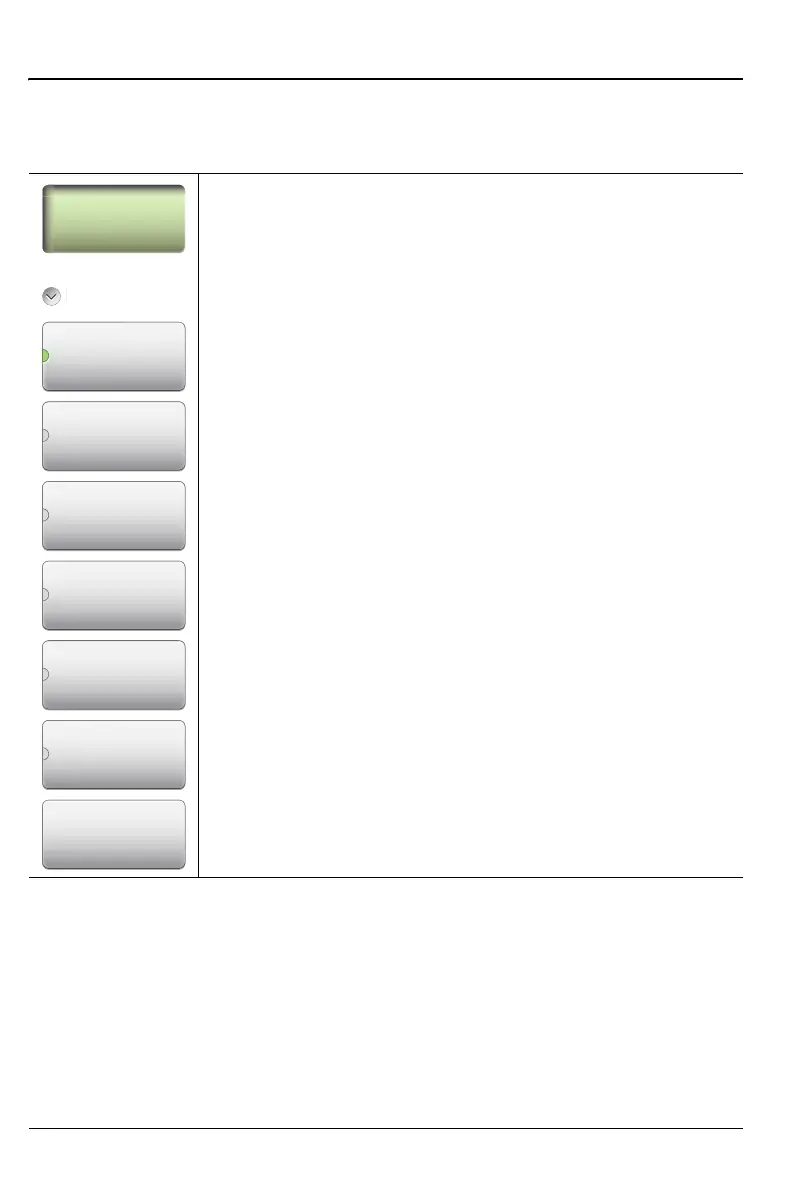
After pressing the Marker button, Marker 1 (M1) is
automatically turned on and appears at the last used
location. If no last used location exists (after a preset for
example), then Marker 1 appears in the center of the
measurement screen.
M1: Press to display the Marker 1 menu (Figure 5-5
on page 5-7), which gives access to marker parameter
settings.
The key label displays the marker number only (M1 for
example) when the marker is ON, and displays M1 (OFF)
when the marker is not in use. The green half circle also
indicates that the marker is ON.
Submenu keys M2 through M6 behave in the same manner
as M1.
All Mkr Off: Press this key to turn OFF all markers.
Figure 5-4. Marker Menu (1 of 2)
M1
M2 (OFF)
M3 (OFF)
M4 (OFF)
M5 (OFF)
M6 (OFF)
All Mkr Off











 To Next Page