S820E UG PN: 10580-00343 Rev. H 5-7
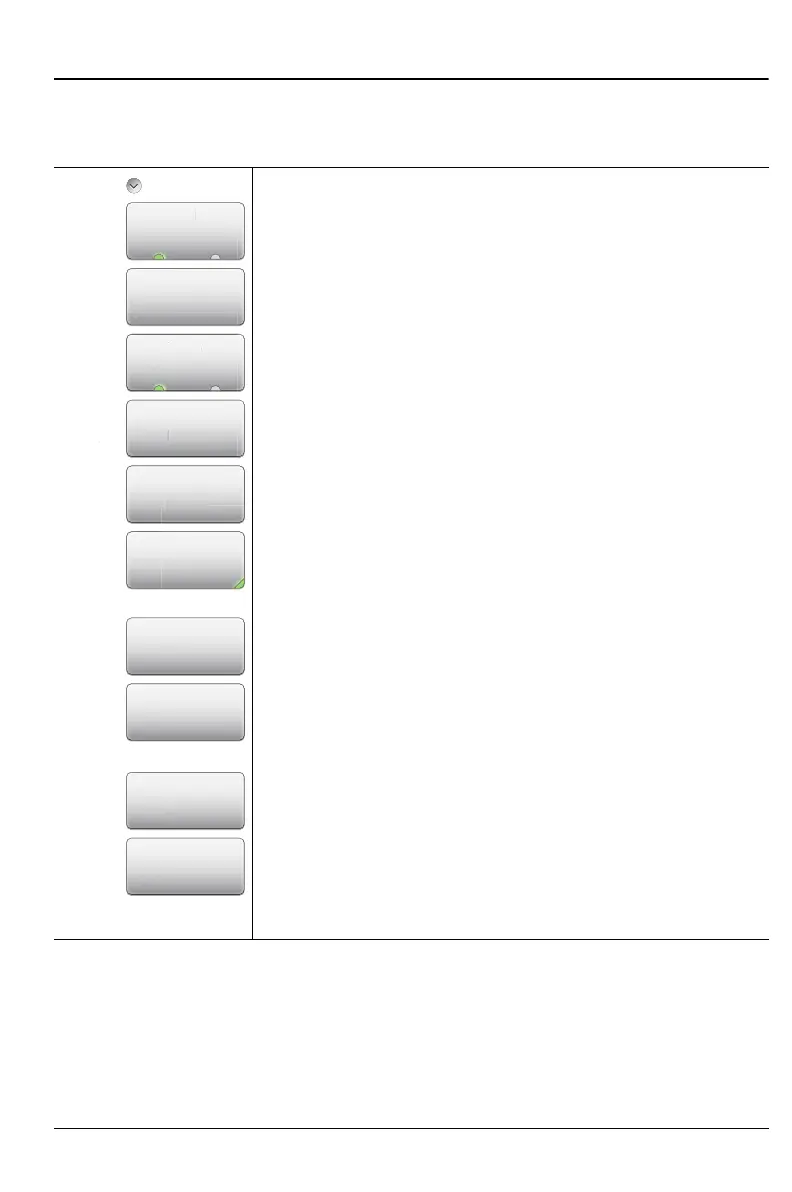
Classic Mode Operation 5-4 Marker Menu
Marker Menu (Continued)
Key Sequence: Marker > M1
Marker
M 1 (On Off): Press this key to turn OFF the selected
marker (M1 to M6).
Edit: Press this key to enter a marker value.
Type (Ref Delta): Press this key to toggle the marker
type between Reference and Delta. This key is displayed
for markers M2 through M4 only. Marker M1 is a
Reference marker only.
Marker to Peak: Press this key to set a Marker
(M1 to M4 only) on the highest signal amplitude in the
displayed trace.
Marker to Valley: Press this key to set a Marker
(M1 to M4 only) on the lowest signal amplitude in the
displayed trace.
Back: Press this key to return to the Marker menu.
Markers 5 and 6 can perform a special Marker search to
find the Peak or Valley between two other markers. When
Marker 5 is Active:
Peak Between M1 & M2: Places Marker 5 on the
highest signal amplitude between Marker 1 and Marker 2.
Valley Between M1 & M2: Places Marker 5 on the
lowest signal amplitude between Marker 1 and Marker 2.
When Marker 6 is Active:
Peak Between M3 & M4: Places Marker 6 on the
highest signal amplitude between Marker 3 and Marker 4.
Valley Between M3 & M4: Places Marker 6 on the
lowest signal amplitude between Marker 3 and Marker 4.
Figure 5-5. Marker Menu (2 of 2)
Marker 1
Peak Between
M3 & M4
Valley
Between
M3 & M4
M 1
M
On Off
Marker to
Peak
Back
Marker to
Valley
Edit
Markers
1-4
Markers
1-4
Marker
6
Marker
6
Peak Between
M1 & M2
Valley
Between
M1 & M2
Marker
5
Marker
5
Type
Marker to
Pea
rk
r
-
p











 To Next Page