S820E UG PN: 10580-00343 Rev. H 6-43
VNA Mode 6-19 Other Menus Keys
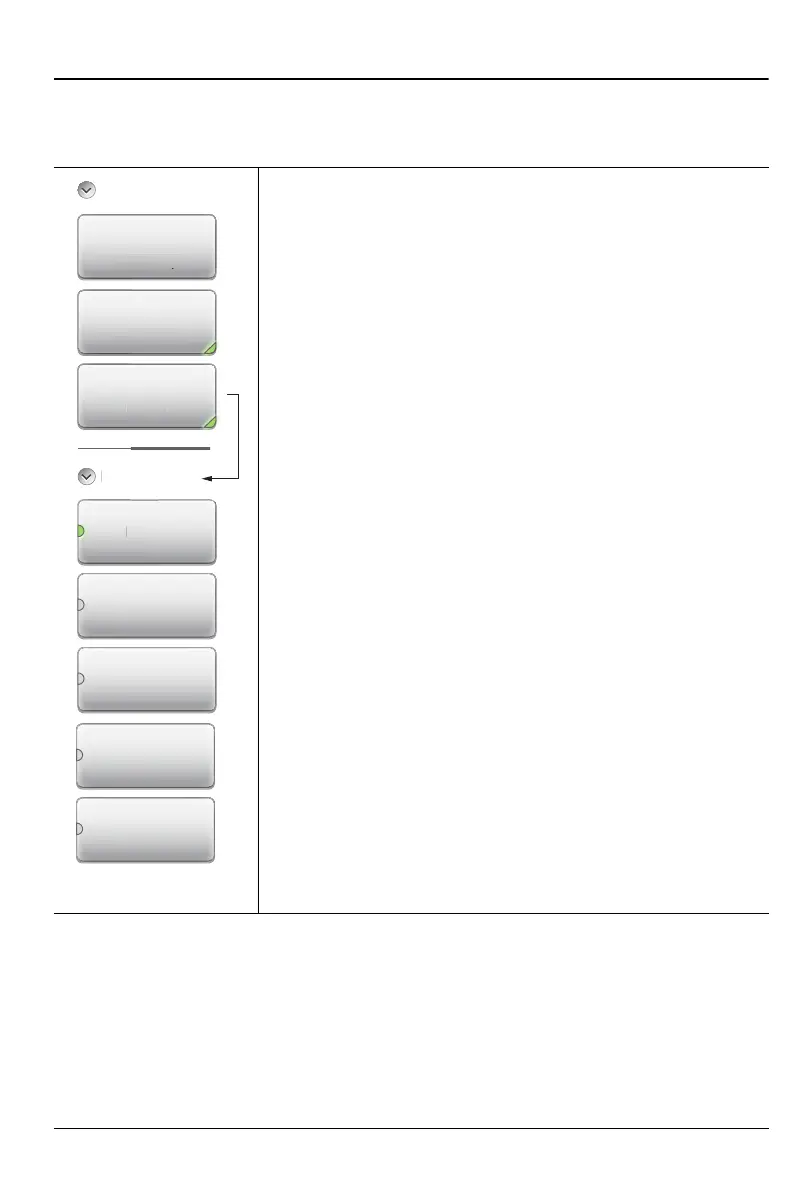
Trace Menu (continued)
Key Sequence: Trace (5) > Data Math
6-19 Other Menus Keys
Refer to Table 2-1, “Site Master Keypad Functions” on page 2-9.
Trace > Data Math
Data Math: Press to change the trace math options.
Note that all data math operations are applied to the
complex S-parameter data of the trace or memory.
None: Press this submenu key to display the active
trace as it is, with no math functions.
Trace – Mem: Press this submenu key to display the
difference between the active trace and the trace in
memory by subtracting the trace in memory from the
current trace.
Trace + Mem: Press this submenu key to display the
results of logarithmic adding of the active trace and the
trace in memory.
Trace * Mem: Press this submenu key to set the trace
math function to multiply the current trace by the trace
that is in memory.
Trace / Mem: Press this submenu key to set the trace
math function to divide the current trace by the trace that
is in memory.
Figure 6-34. Trace Menu (2 of 2)
D
t
N
n
Trace - Mem
Trace + Mem
Copy Trace To
Memory
Trace
Trace Display
Trace Only
Disp
a
e On
t
M
M
t
n











 To Next Page