S820E UG PN: 10580-00343 Rev. H 1-13
General Information 1-12 Secure Environment Workplace
Usage in a Secure Environment
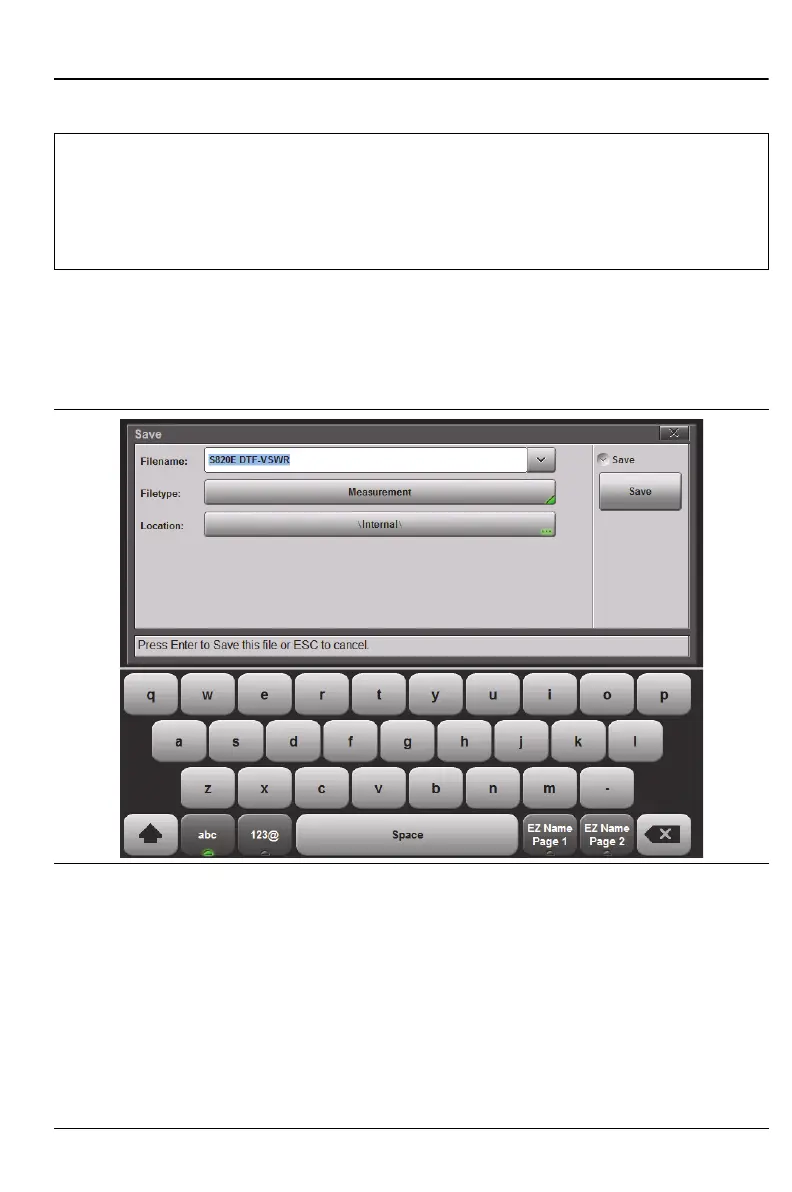
Set the Site Master to save files to an external USB flash drive:
1. Attach the external flash drive and turn on the instrument.
2. Press the File (7) button, then Save.
Note
Not all USB flash drives are compatible with the S820E. Anritsu
recommends performing a full FAT 32 long format prior to using
with the instrument. Some USB devices may not be recognized
even after formatting, and in these cases, the device must be
replaced with another type.
Figure 1-5. Choosing a Storage Drive – Step 2











 To Next Page