S820E UG PN: 10580-00343 Rev. H 3-67
Cable and Antenna Measurements 3-17 Sweep Menu
3-17 Sweep Menu
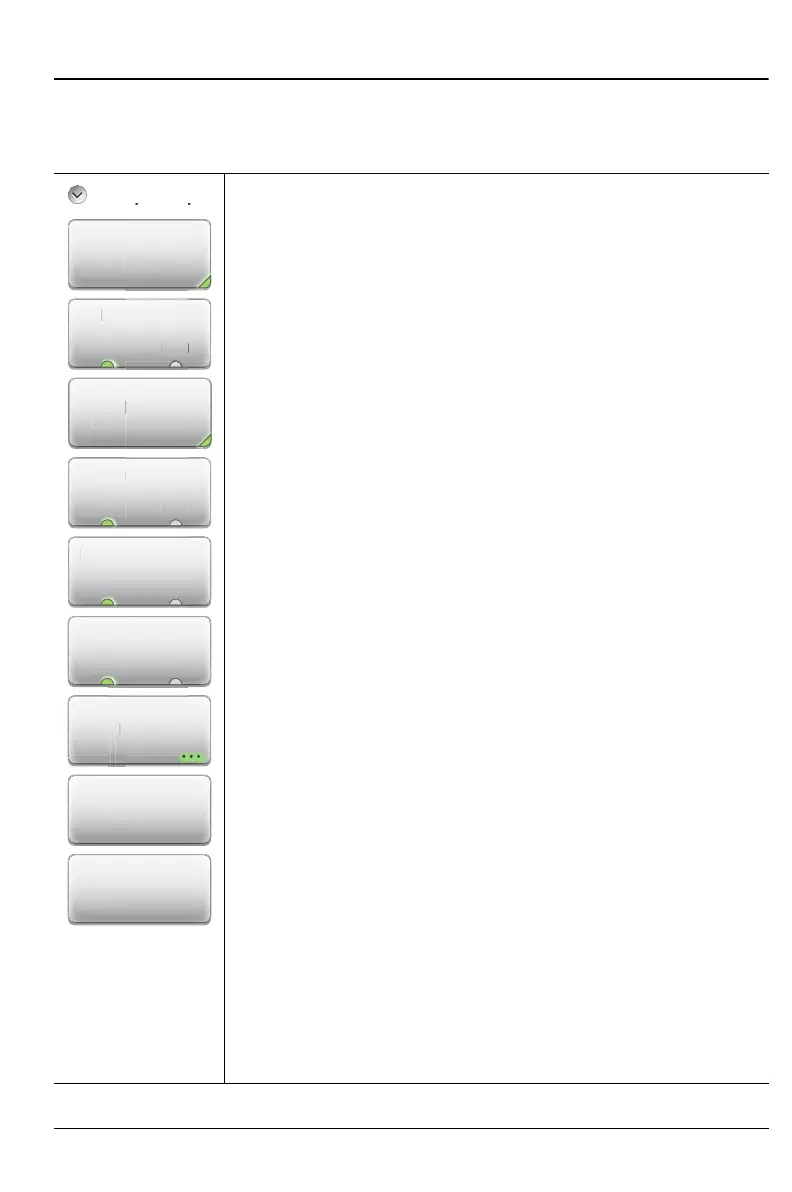
Key Sequence: Sweep (3)
Sweep Setup
Data Points: Sets the number of data points: 130, 259,
517, 1033, or 2065.
Run/Hold
Run Hold: Toggles between Run and Hold. When in Hold
mode, pressing this key starts the sweeping and provides a
trigger. When in the Run mode, pressing this key pauses the
sweep.
Sweep Trigger: This displays the “Sweep Trigger Menu”
on page 3-68. The mode is displayed on the submenu key.
Continuous is the default.
RF Immunity
High Low: The instrument defaults to RF Immunity Low.
Refer to “RF Immunity” on page 3-32 for details.
RF Pwr In Hold
On Off: Sets the RF Output power to be left On or turned
Off when Run/Hold is toggled to Hold. Refer to “RF Pwr In
Hold” on page 3-32 for details.
Source Power
High Low: This toggles the source power between High
and Low.
IFBW: Press this submenu key to display the IFBW
selection box. Highlight one of the 4 choices:
100 kHz, the maximum sweep speed
1 kHz, default
100 Hz
10 Hz, the maximum dynamic range
Smoothing: Press this submenu key to set the smoothing in
percent (0 % to 20 %). Use the number keypad, the
Up/Down Arrow keys, or the rotary knob.
Sweep Averaging: Press this submenu key to set the
number of sweeps to average at each sweep point
(1 to 1000). Use the number keypad, the Up/Down Arrow
keys, or the rotary knob, then press Enter.
Figure 3-47. Sweep Menu
Ru
RF I
F Pwr In Ho
Sweep Setup
Ho
ource Powe
High Low
Smoothing
Sweep
Averaging
Sweep Trigger
Continuous
mun
t
p Tr
gge











 To Next Page