S820E UG PN: 10580-00343 Rev. H 9-27
High Accuracy Power Meter 9-12 Display Setup Menu
9-12 Display Setup Menu
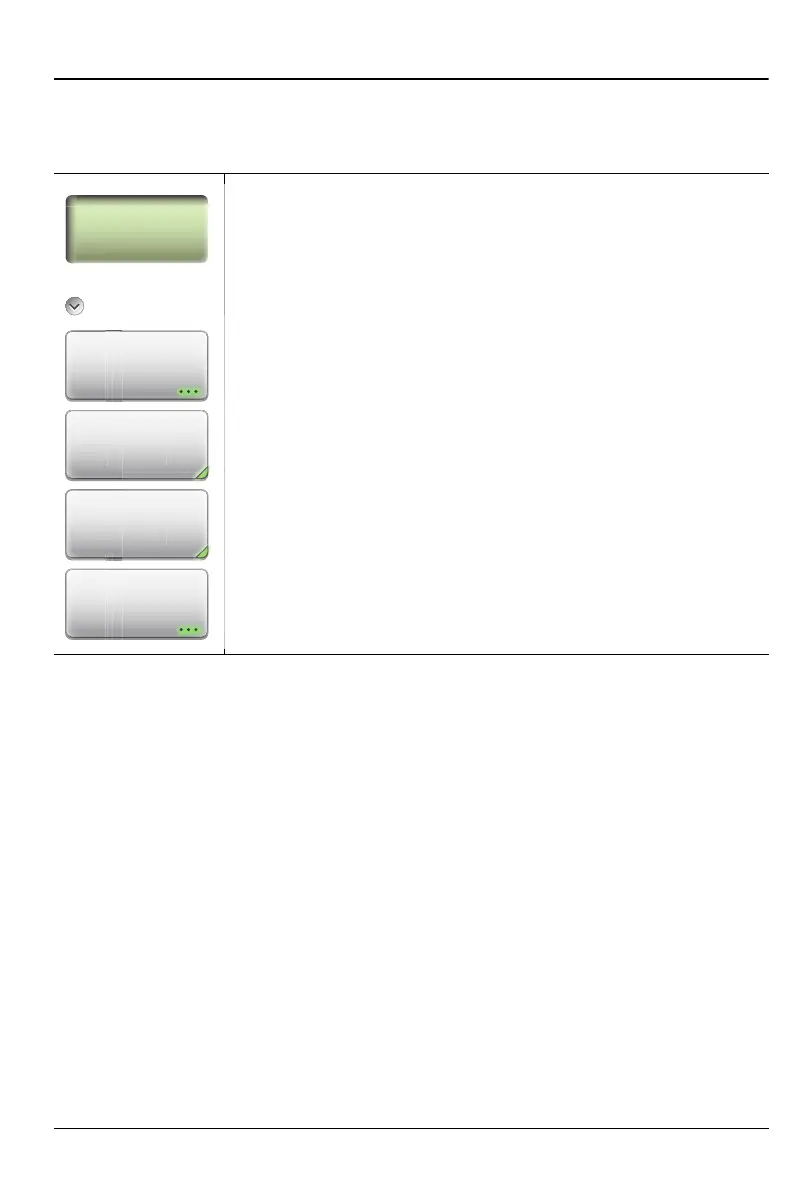
Key Sequence: Display Setup
Display Setup
Sensor Settings: Displays the Forward Settings table
(Figure 9-8) for the MA24105A sensor. Select a sensor
parameter using the Up/Down Arrow keys or the
touchscreen. Press Edit to change the value of the selected
parameter.
Forward Display: Displays the forward measurement
options shown in “Forward Menu” on page 9-28.
Reverse Display: Displays the reverse measurement
options shown in “Reverse Menu” on page 9-29.
Summary Table: Displays a summary of Site Master
instrument settings, USB sensor settings, and DUT forward
and reverse measurements (Figure 9-12).
Figure 9-22. High Accuracy PM (MA24105A) Display Setup Menu
Display Setup
Display Setup
Sensor
Settings
Forward
Display
rw
r
sp
a
vers
sp
a











 To Next Page