11-16 PN: 10580-00343 Rev. H S820E UG
11-8 System Menu System Operations
System Menu (continued)
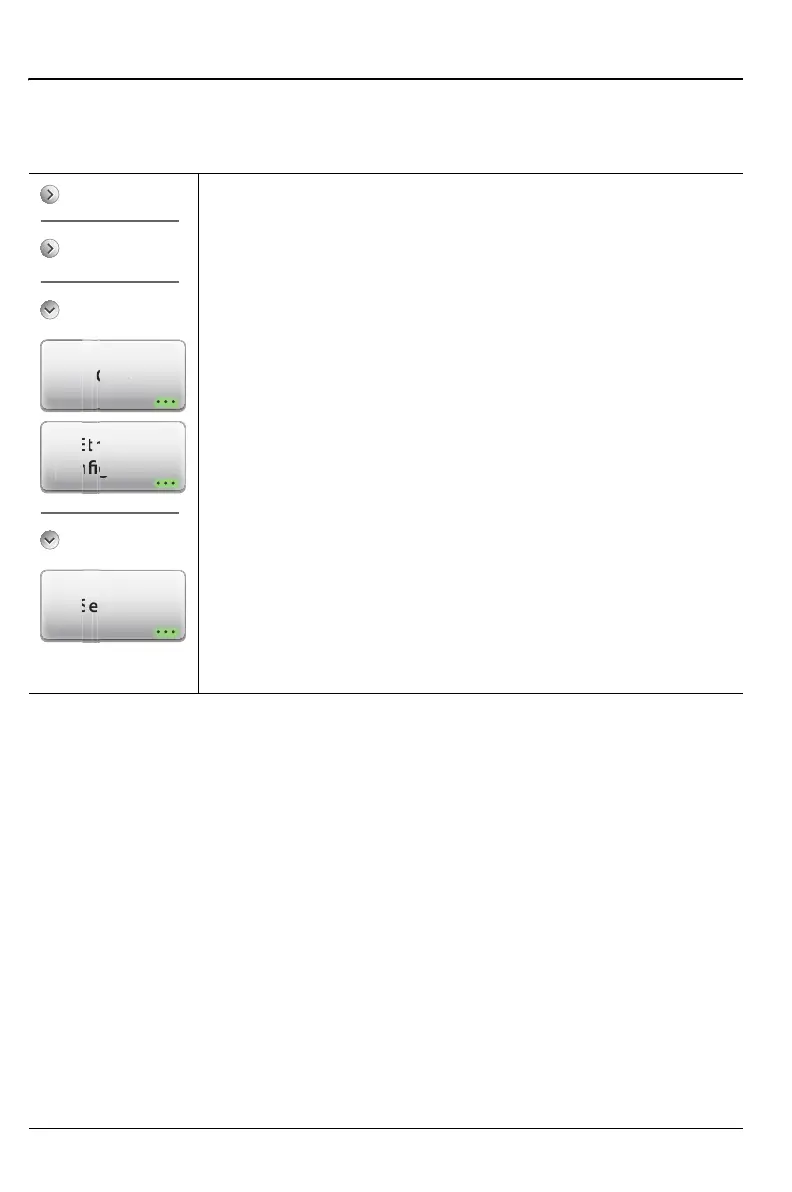
Key Sequence: System (8)
Connectivity
GPS: Press to display the “GPS Menu” on page 11-24.
Ethernet Configuration: Press this submenu key to display
the “Ethernet Configuration Menu” on page 11-26, which
displays the IP Address and MAC Address of the instrument
and allows you to choose the setting for obtaining the IP
Address (DHCP or Static).
Diagnostics
Self Test: Press this submenu key to initiate a series of
diagnostic tests that check the components of the
instrument. A display lists the individual tests with a pass or
fail indication (Figure 11-1 on page 11-2). Press Esc to close
the dialog box.
Press Save to File to create a text file of the test results. The
file is saved to internal memory and labeled
S820ESelfTest#X.txt. The .txt file can be copied to a
USB memory device and viewed on a PC with a text reader
or word processor.
Figure 11-12. System Menu (2 of 2)
l
Tes
erne
ratio
P
Connectivity
System Setups
System Info











 To Next Page