S820E UG PN: 10580-00343 Rev. H 1-15
General Information 1-12 Secure Environment Workplace
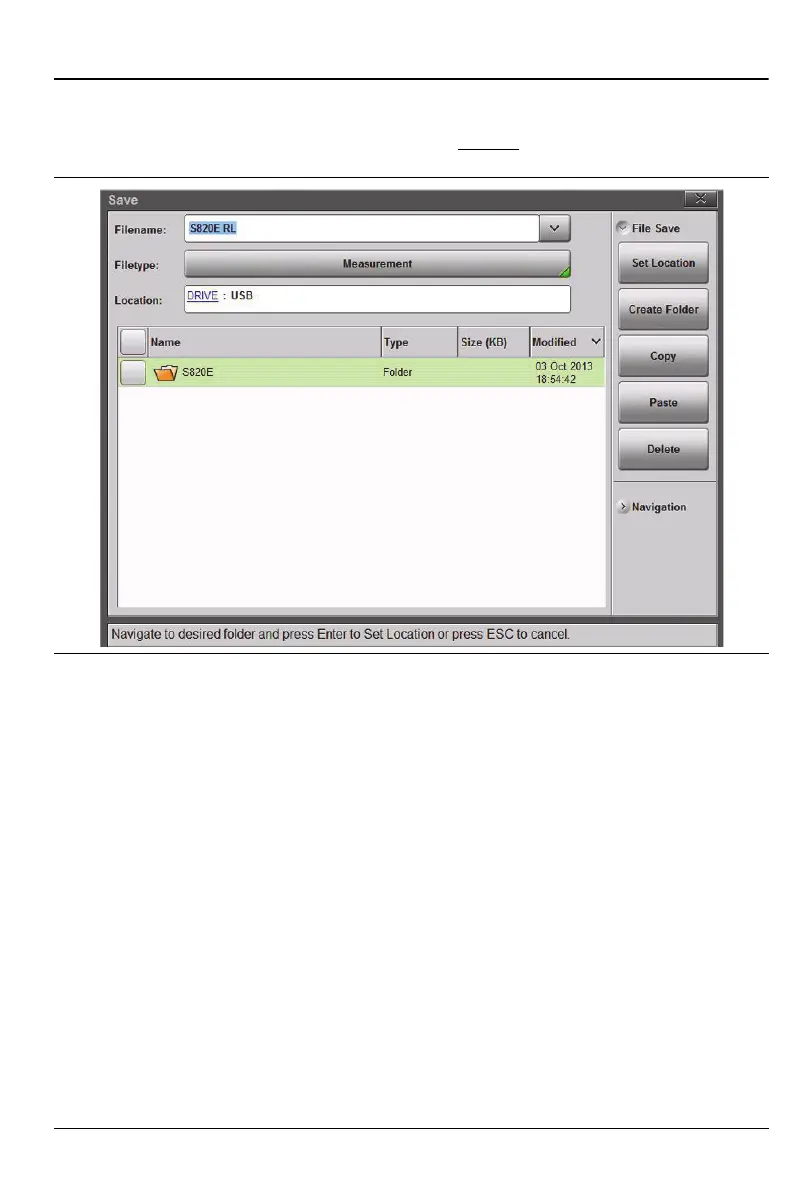
4. Double tap on USB, or highlight USB by using Arrow keys or by
touching the screen, then press Enter or press the Right Arrow key.
The Location breadcrumb changes to DRIVE
:USB.
Figure 1-7. Choose a Storage Drive – Step 4











 To Next Page