GE HEALTHCARE
DIRECTION FC091194, REVISION 11 VIVID 7 SERVICE MANUAL
3 - 26 Section 3-5 - Preparing for Setup
3-6-6-2 Turn Unit ON (cont’d)
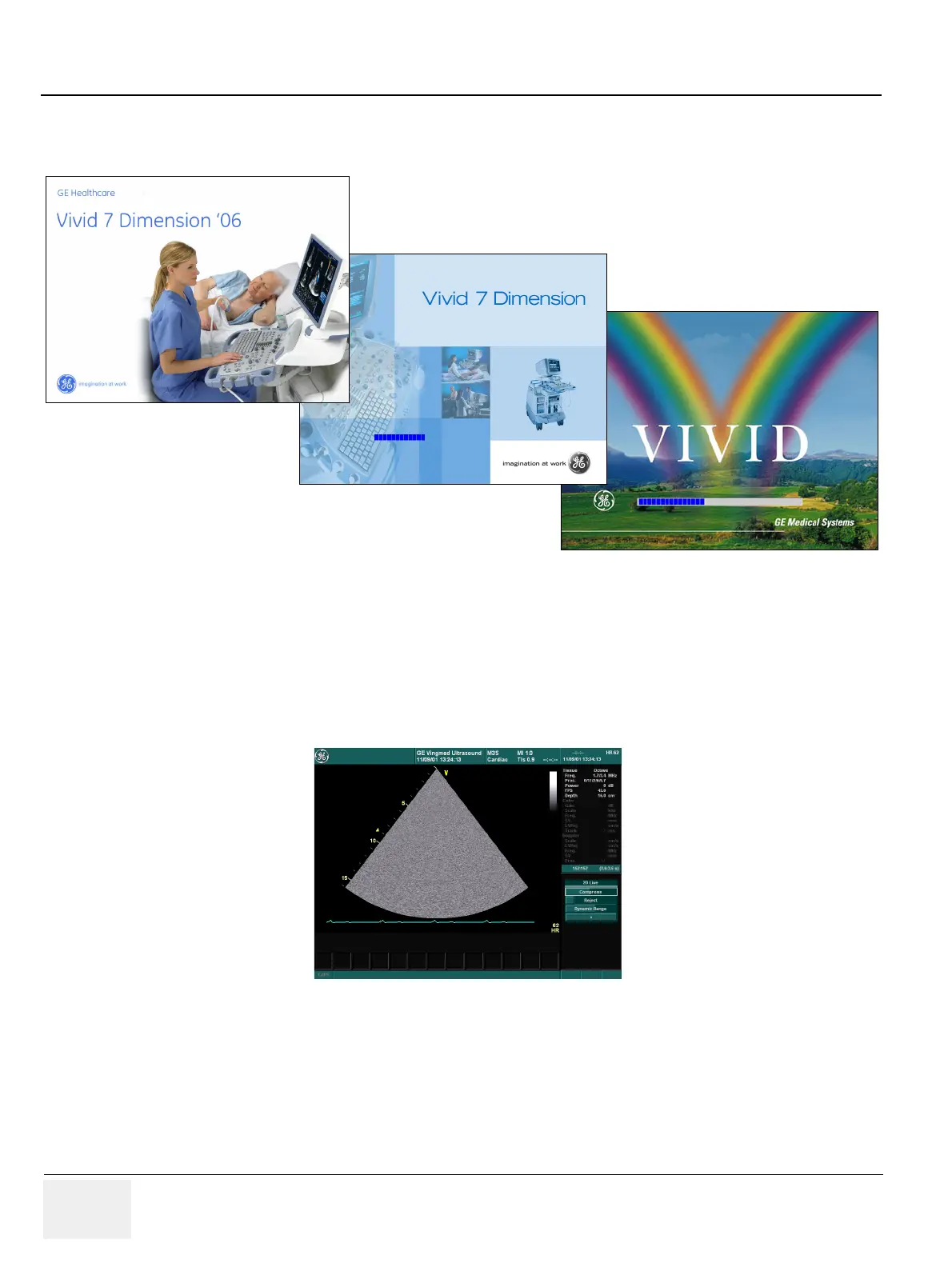
f.) A start-up bar indicating the time used for software loading, is displayed on the monitor.
g.) The software initiates and sets up the Front-End electronics and the rest of the instrument.
h.) The backlight in the keyboard is lit.
i.) As soon as the software has been loaded, a 2D screen is displayed on the screen.
NOTE: Total time used for start-up is typical three minutes or less, depending on software version and
Vivid 7 model.
Figure 3-16 Start-up bar
Figure 3-17 2D Screen on the display.
The Start-Up Screen (Splash Screen) Is different, depending on software version and Vivid 7 model. Vivid 7 Dimension with software version v6.1 or
higher (upper, left), Vivid 7 Dimension with software version v4.0 to v6.1.x, (middle) and Vivid 7 with software versions v3.x.x and lower (lower, right).


 To Next Page