GE HEALTHCARE
DIRECTION FC091194, REVISION 11 VIVID 7 SERVICE MANUAL
Chapter 7 - Diagnostics/Troubleshooting 7 - 65
7-8-2-1 Functions Available from the Calibration Screen (cont’d)
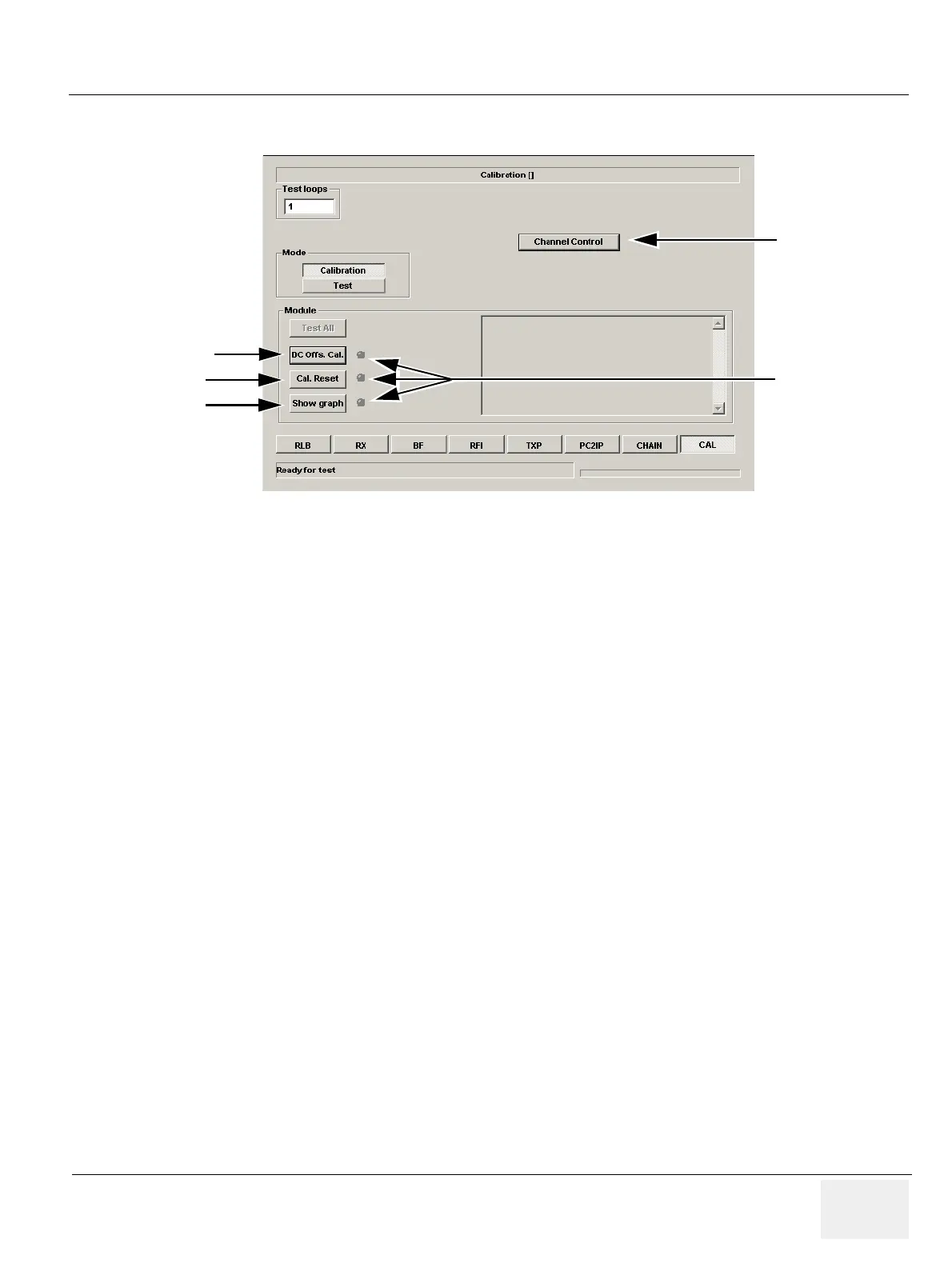
To start a test, select the respective button.
The “LEDs” in the Calibration Screen will change color when a test has been done;
• GREEN indicates that the test PASSED.
• RED indicates that the test FAILED.
Figure 7-69 Calibration Screen on units with FEP2
Channel Control
(used for factory
tests)
DC Offs. Cal
Cal. Reset
Show graph
“LEDs”
Gray - Test not done
Green - Test Passed
Red - Test failed


 To Next Page