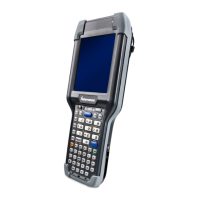
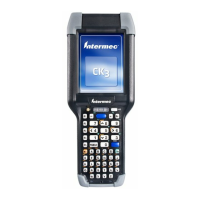
TRAKKER Antares 2420 and 2425 Hand-Held Terminal User’s Manual
Co de 39
Nugget
2-12
Quick Reference Keypad Chart
Use this keypad chart to enter any character or function on the alphanumeric (English or
Western European) keypad. For help about additional functions that are available on a
TE keypad, see the TRAKKER Antares Terminal Emulation User’s Guide.
To Enter Press the Key(s) To Enter Press the Key(s)
0 to 9
to
viewport home
a to z
to
9
viewport left
A to Z
to
9
viewport right
backlight on/off
viewport up
backtab
. (period)
or
6
beep volume
, (comma)
5
Bksp (backspace)
d
: (colon)
%
caps
9
; (semicolon)
+
contrast
=
(
ctrl
+
"
cursor down
V
- (dash)
'
cursor left
;
/ (slash)
7
cursor right
W
\ (backslash)
3
cursor up
:
?
1
enter
@
<
/
escape
?
>
or
0
F1 to F5
to
! (exclamation point)
F6 to F10
to
@
FnL (function left)
#
FnR (function right)
$
resume/suspend
L
%
shift
&
space
d
* (asterisk)
tab
(
viewport down
)
viewport end
_ (underline)
!



 To Next Page