Other Features
¾ 4-82 ¾
To cancel Wakeup Call:
<KTS(#10 extension)>:
(On-Hook condition)
1. Press OPAC key.
2. Dial 9 and #.
3. Dial extension No. (e.g.12)
4. Press
*
to accept.
5. Press
*
to cancel the pre-set time. (One short beep tone shall be sent.)
6. Return to the idle condition automatically.
<SLT>
1. Lift handset.
2. Dial function code. (see Note 2)
3. Hang up.
Note 1:
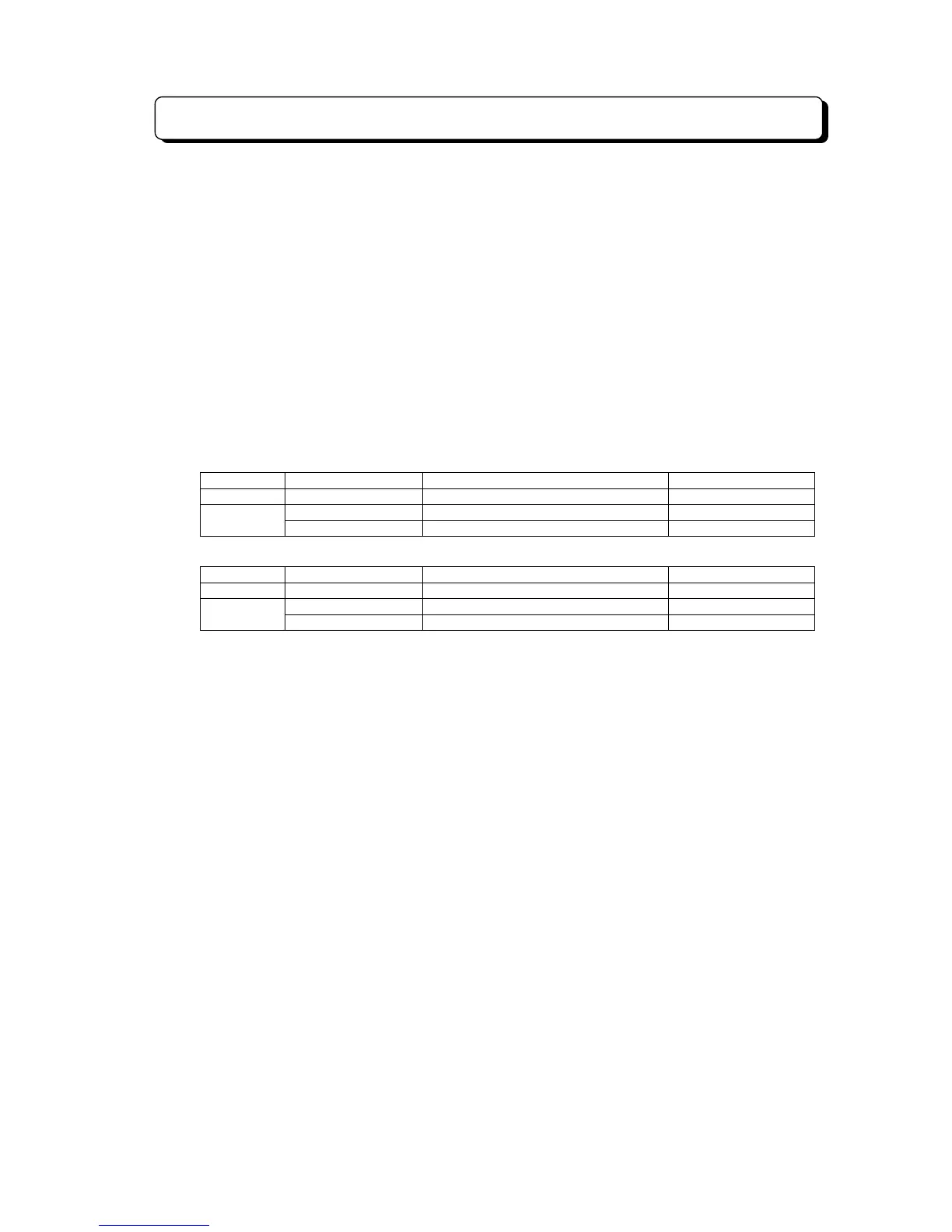
Program #20-D Data Automatic Trunk Access Code for SLT Dial at Step 2
Dial Plan 1 - - 64
0 0 954
Dial Plan 2
1 9 054
Note 2:
Program #20-D Data Automatic Trunk Access Code for SLT Dial at Step 2
Dial Plan 1 - - 69
0 0 959
Dial Plan 2
1 9 059
RELATED SYSTEM DATA:
#80-2-D: SLT Wakeup Call Ringing Time Assignment
u
Dial Block/Wakeup Call Status Confirmation
DESCRIPTION:
The setting status of Dial Block and Wakeup Call at each extension can be confirmed at DSS Console
paired with Attendant extension (No.10).
STATION APPLICATION:
KTS (No.10 Extension with DSS console)
OPERATION:
To check the status of Wakeup call and Dial Block:
1. Press CHECK key
2. Press DSS key. The display shows the status.
3. Press CLEAR key to return to the idle condition.
RELATED SYSTEM DATA:
Not applicable



 To Next Page