¾ 7-1-14 ¾
2. To show the Caller-ID information at the no ringing extension.
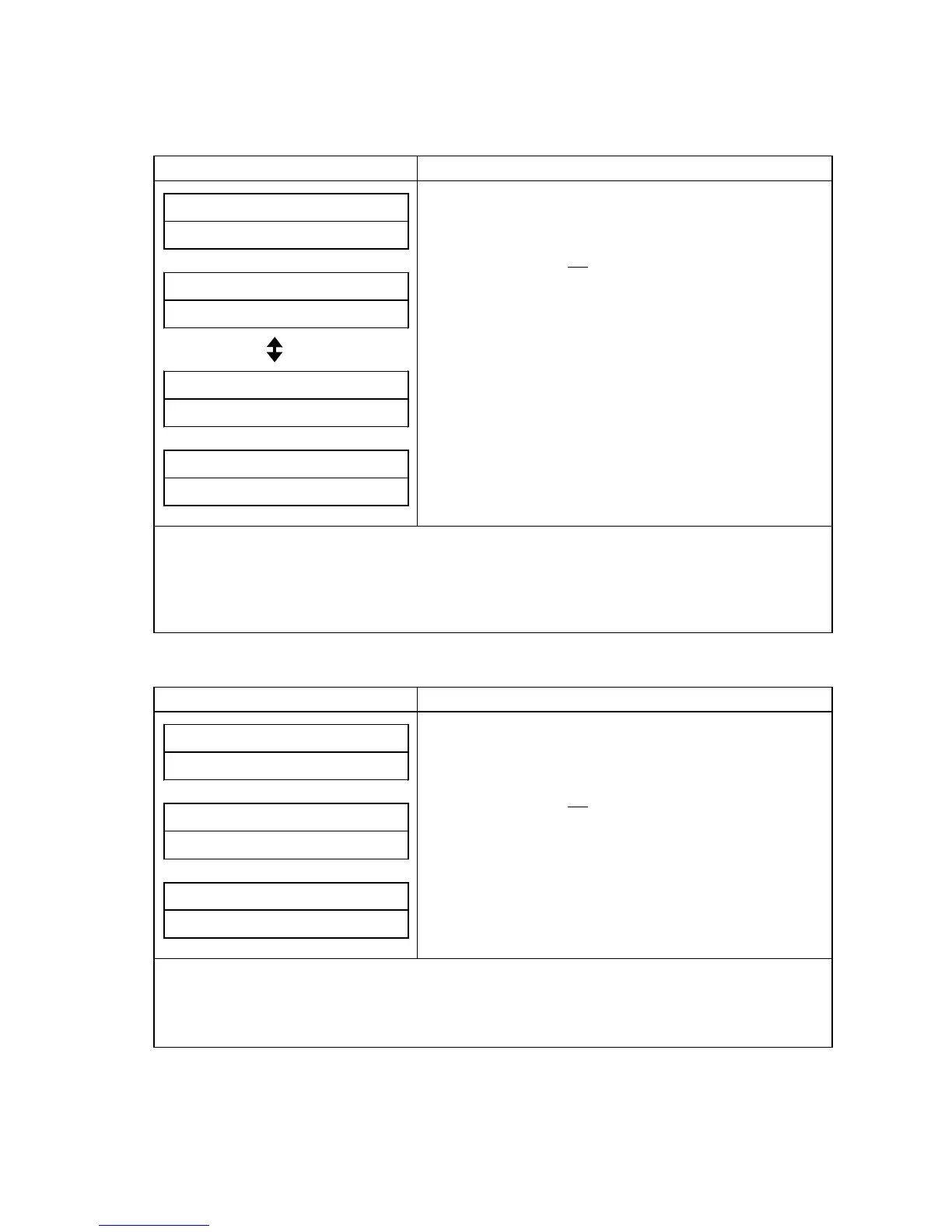
1) When Caller-ID information is received (Caller's Name Information: Exist)
Display Indication Operation and Information
##SUN# 25# 12:00PM
10##############
XXXXXXXXXX######
YYYYYYYYYYYYYYY
(On-Hook condition)
1. To answer incoming call or a line on hold.
2. Press FLASH key.
* If the extension is not assigned SINGLE STEP ACCESS
(#15-E = 0), then step-2 operation is not required.
3. Press Line key.
XXXXXXXXXX######
HH:MM# DD/MM/YY##
4. Display status can be changed by pressing CHECK key
(2 types).
NO# NUMBER# INFO#
YYYYYYYYYYYYYYY
5. If caller's Telephone Number has no information, the
display will be indicated as shown;
Note: Indication contents are as follows;
XXXXXXXXXX: Caller's Telephone Number (Maximum 10 digits)
YYYYYYYYYYYYYYY: Caller's Name (Maximum 15 digits)
HH:MM: Time
DD/MM/YY: Day/Month/Year
2) When Caller-ID information is received (Caller's Name Information: Not Exist)
Display Indication Operation and Information
##SUN# 25# 12:00PM
10##############
XXXXXXXXXX######
HH:MM# DD/MM/YY##
NO# NUMBER# INFO#
HH:MM# DD/MM/YY##
(On-Hook condition)
1. To answer incoming call or a line on hold.
2. Press FLASH key.
* If the extension is not assigned SINGLE STEP ACCESS
(#15-E = 0), then step-2 operation is not required.
3. Press Line key.
4. If caller's Telephone number has no information, the
display will indicated as shown;
Note: Indication contents are as follows;
XXXXXXXXXX: Caller's Telephone Number (Maximum 10 digits)
HH:MM: Time
DD/MM/YY: Day/Month/Year
Press CHECK key



 To Next Page