¾ 7-3-3-1 ¾
Features on DISA
n
nn
n DISA with Automated Attendant
DESCRIPTION:
After system answered automatically on DISA line, system sends a guidance message to outside caller.
Outside caller can take each DISA operation more easily by each guidance message. The user can
select whether Dial Tone is sent or not after VAU Message in Program #78-E.
When system is set to Night Mode, user can assign a Night Message (VAU Message No. 20 - 23) at each
line. (Night Messages are 4 kinds.) When outside caller called to DISA line at night, outside caller hears
Night Message which is assigned at this line. If outside caller dialed nothing within the time which is set in
Program #66-2, system sends a Cut-off Message (VAU Message No. 05: Cut-Off Message) and cut-off
this line.
When system is set to External Call Forward on DISA Line feature, system automatically sends a Call
Forward Message (VAU Message No. 01) to outside caller before transferring to another outside party.
STATION APPLICATION:
System
OPERATION:
To record, erase and confirm the each Guidance Message for DISA:
- Refer to "How to Record, Erase, Confirm the VAU Message".
To select a Night Message in Night Mode:
(This operation is available at
only #10
extension.)
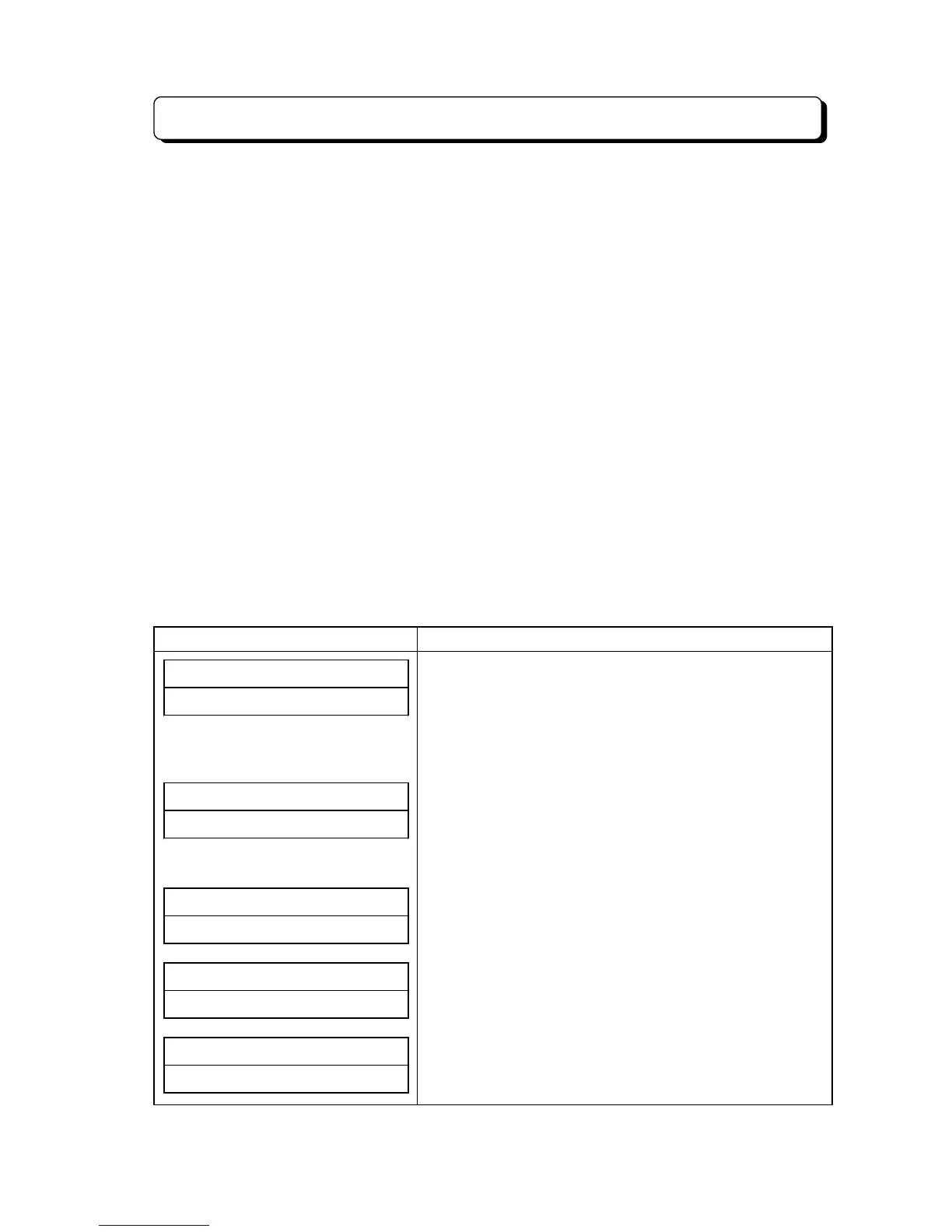
Display Indication Operation and Information
NIGHT# MESSAGE##
##############CO
1. Lift handset or press SPK.
2. Press ICM key. (See Note)
3. Press OPAC.
4. Dial 72.
* If user operates at extension other than #10, extension
will return to idle condition.
NIGHT# MESSAGE##
##########CO01-0
5. Dial Line number. (01 - 24)
(For Example: Line 01)
* When user dials line No. which is not connected to the
system, Error Tone will be sent, and extension will return
to idle condition.
NIGHT# MESSAGE##
##########CO01-3
6. Dial Night Message number. (0 - 3)
(0 - 3 = VAU Message No. 20 - 23)
(For Example: 3)
##SUN# 25# 12:00PM
##############CO
7. Dial
*
.
(Return to the step 4.)
##SUN# 25# 12:00PM
10##############
8. Hang up or press SPK.
(Return to idle condition.)
Note : When Program #75-D is 0 (No tone), skip Step 2.



 To Next Page