¾ 7-3-2-1 ¾
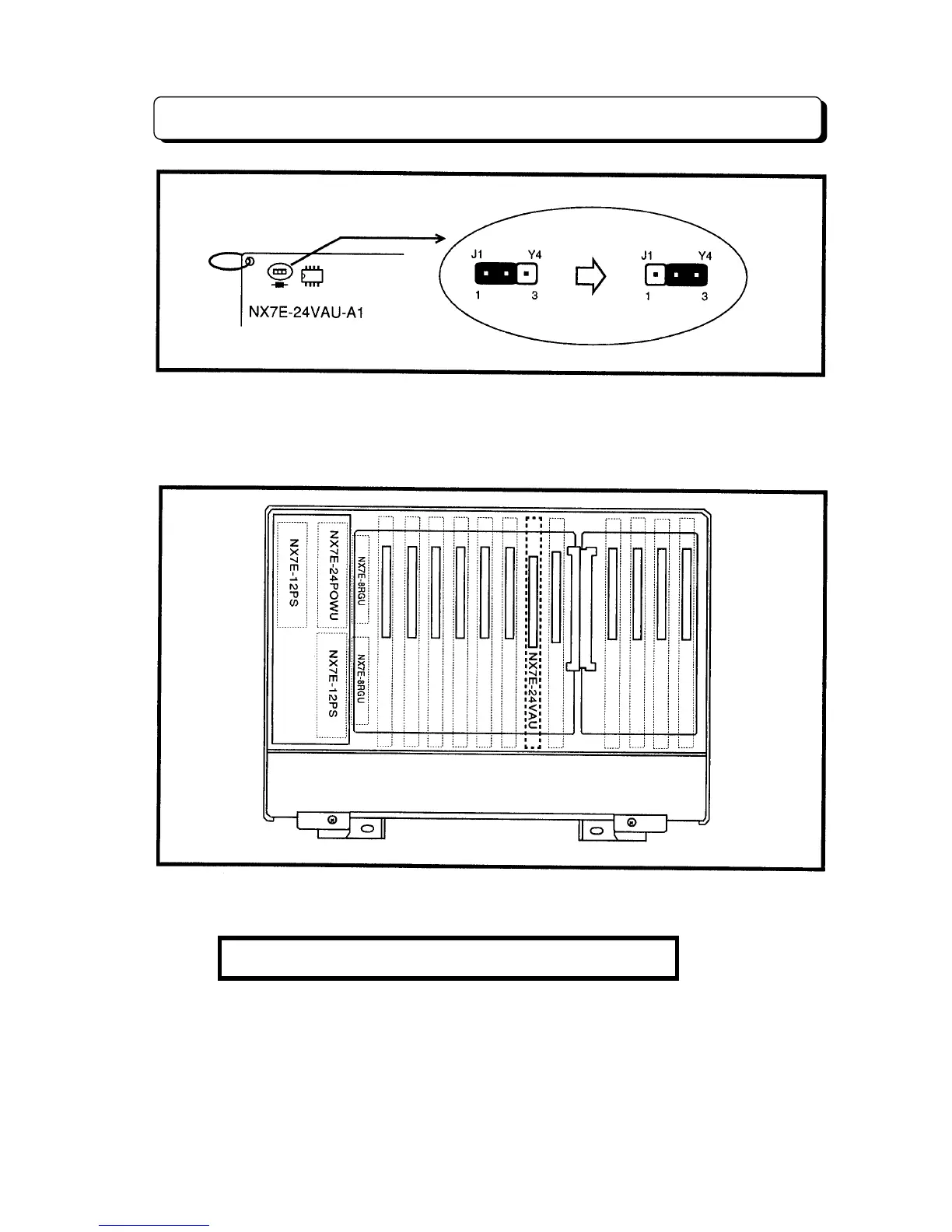
To Install VAU Card
Before installing the VAU Card, user must change the switch position from Factory Setting to User
Setting as shown in above illustration. This switch is to save the VAU Message with the Back-up
Battery when the main power is OFF. If the VAU Card is installed without turning this switch, the
VAU Messages are erased when the power goes OFF.
Insert the NX7E-24VAU-A1 Unit at VAU Slot.
CAUTION: VAU Unit can not be inserted in the other slot.



 To Next Page