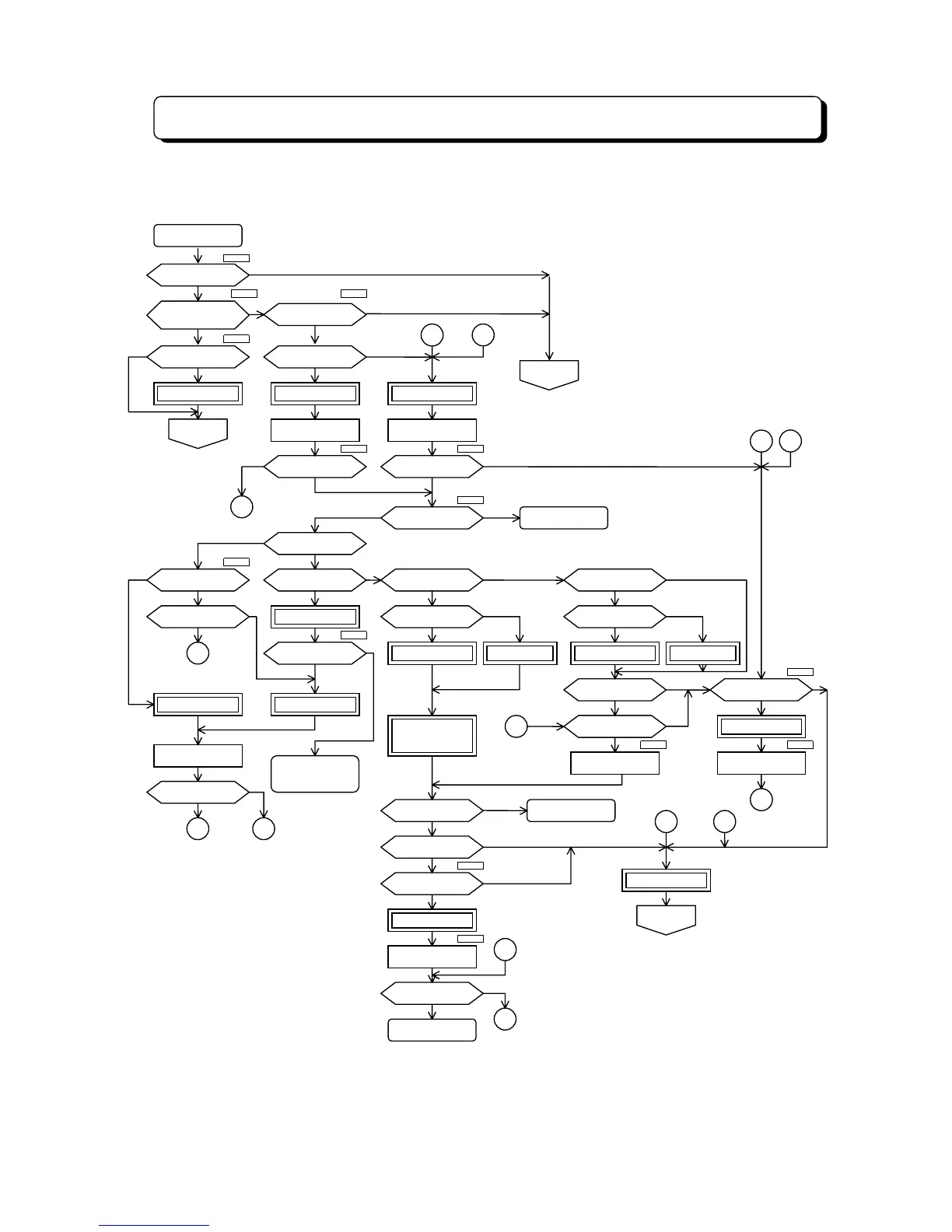
DISA Operation Flowchart
¾ 4-113 ¾
This flowchart shows DISA operations with VAU. Operations in Italics are common between
normal DISA and DISA with VAU.
No
Busy Tone
Operator Call
Leave Message
or Leave Tel. No.
Extension Access
Trunk-to-Trunk
DISA INCOMING
Empty a DISA port?
External
Call forward Mode?
Empty a VAU path?
VAU MSG. 01
Silent
Empty a VAU path?
VAU MSG. 20-23
Dial or Timeout?
Note 3
Dial
No
No No
Incorrect Correct
Timeout
Yes
Yes
Dial
Yes
Empty
Incorrect
Timeout
Yes
Not (All Busy)
Correct
Yes
Full
No (Empty)
No
Incorrect
Yes
Correct
Empty
No
No
Not Empty
Not Empty
Yes
Not Empty
Empty
Note 6
Note 7
Note 9
Note 8
Note 9
Note 8
Note 5
Note 4Note 4
Note 3Note 2
Note 1
Note 1. Unused port should be assigned as DISA port.
2. Refer to the "External Call Forward on the DISA line".
3. VAU card has 3 talk-paths.
4. Program #66-2.
5. Program #46, 48.
6. Refer to the "Group Hunt".
7. "Memory" means "Personal MSG Recording Area".
8. Program #17-E.
9. Calling duration time is defined in "Program #66-3".
Call to Operator
Dial or Timeout?
Call to Extension
Dial Tone
"#" + Security code?
VAU MSG. 02
Extension No.?
Absent Mode?"8" + Hunt GP No.?
Idle Ext. there?
Meet-Me Paging?
Personal MSG?
VAU MSG. 07
VAU MSG. 10
Memory Full?
VAU MSG. 08
Dial # &
*
?
Personal MSG
Personal MSG
(for Paging)
VAU MSG. 02
Operator call?
Operator there?
Answer or not?
VAU MSG. 04
Answer or not?
Night Mode?
Call Forward?
Personal MSG?
Personal MSG VAU MSG. 03
DND?
Busy?
VAU MSG. 05
Call to Operator
Operator there?
Transfer
VAU MSG. 04
Normal
Incoming
Cut off
1
No
No
Yes (there)
Answer
No Answer
No
Yes
No
No (Not there)
Answer
Yes
NoYes
No
Yes
Yes (Recorded)
Yes
Note 9
5
3
4
4
1 2
3
7
11
2 6
11
3



 To Next Page