¾ 7-1-15 ¾
Display Indication for Caller-ID Information
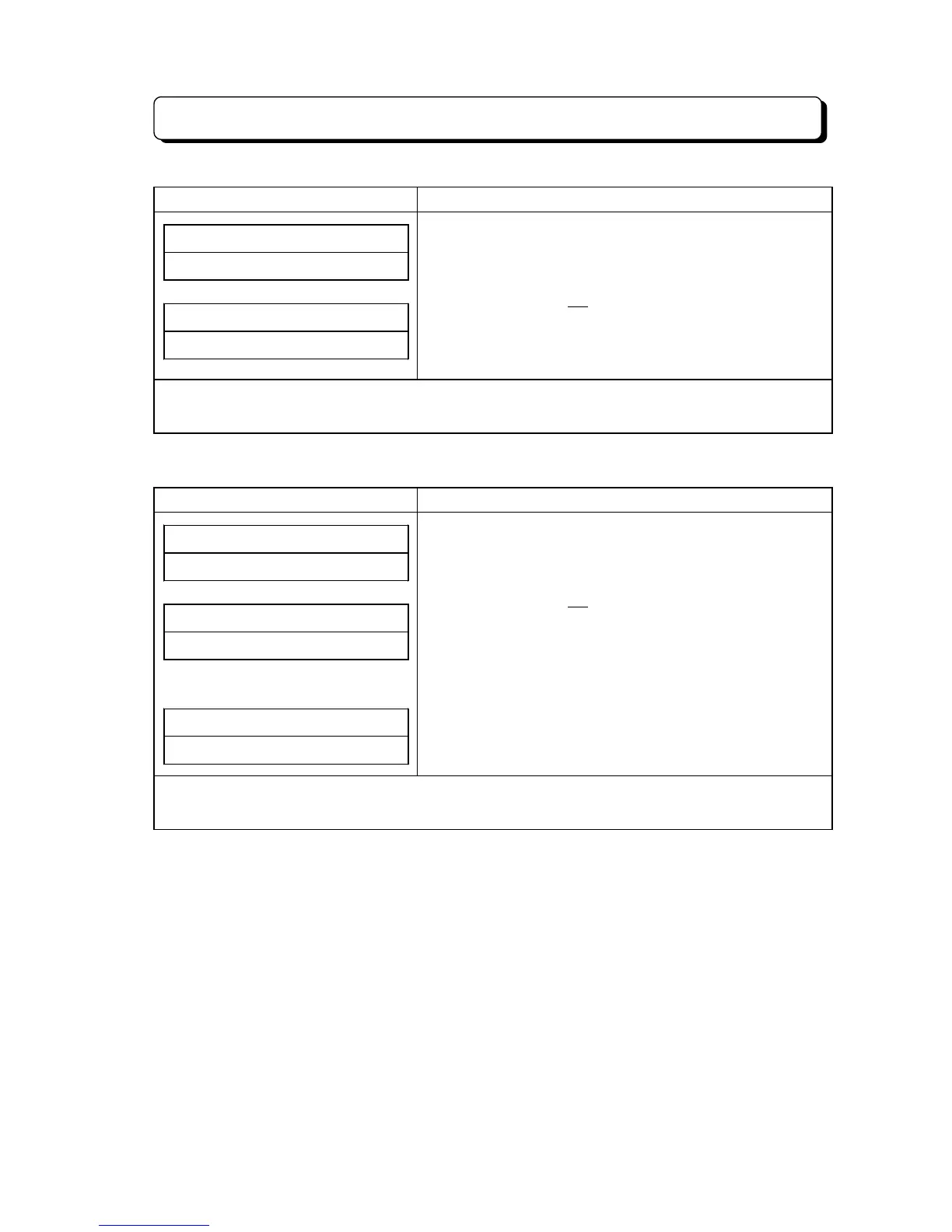
3) When Caller-ID information is not received
Display Indication Operation and Information
##SUN# 25# 12:00PM
10##############
LINE# XX#########
NO# CALLER# INFO#
(On-Hook condition)
1. To answer incoming call or a line on hold.
2. Press FLASH key.
* If the extension is not assigned SINGLE STEP ACCESS
(#15-E = 0), then step-2 operation is not required.
3. Press Line key.
Note: Indication contents are as follows;
XX: Line Number
4) When caller calls from Non Caller-ID Service Area
Display Indication Operation and Information
##SUN# 25# 12:00PM
10##############
LINE# XX#########
OUT-OF-STATE####
or
LINE# XX#########
OUT OF AREA##
(On-Hook condition)
1. To answer incoming call or a line on hold.
2. Press FLASH key.
* If the extension is not assigned SINGLE STEP ACCESS
(#15-E = 0), then step-2 operation is not required.
3. Press Line key.
Note: Indication contents are as follows;
XX: Line Number



 To Next Page