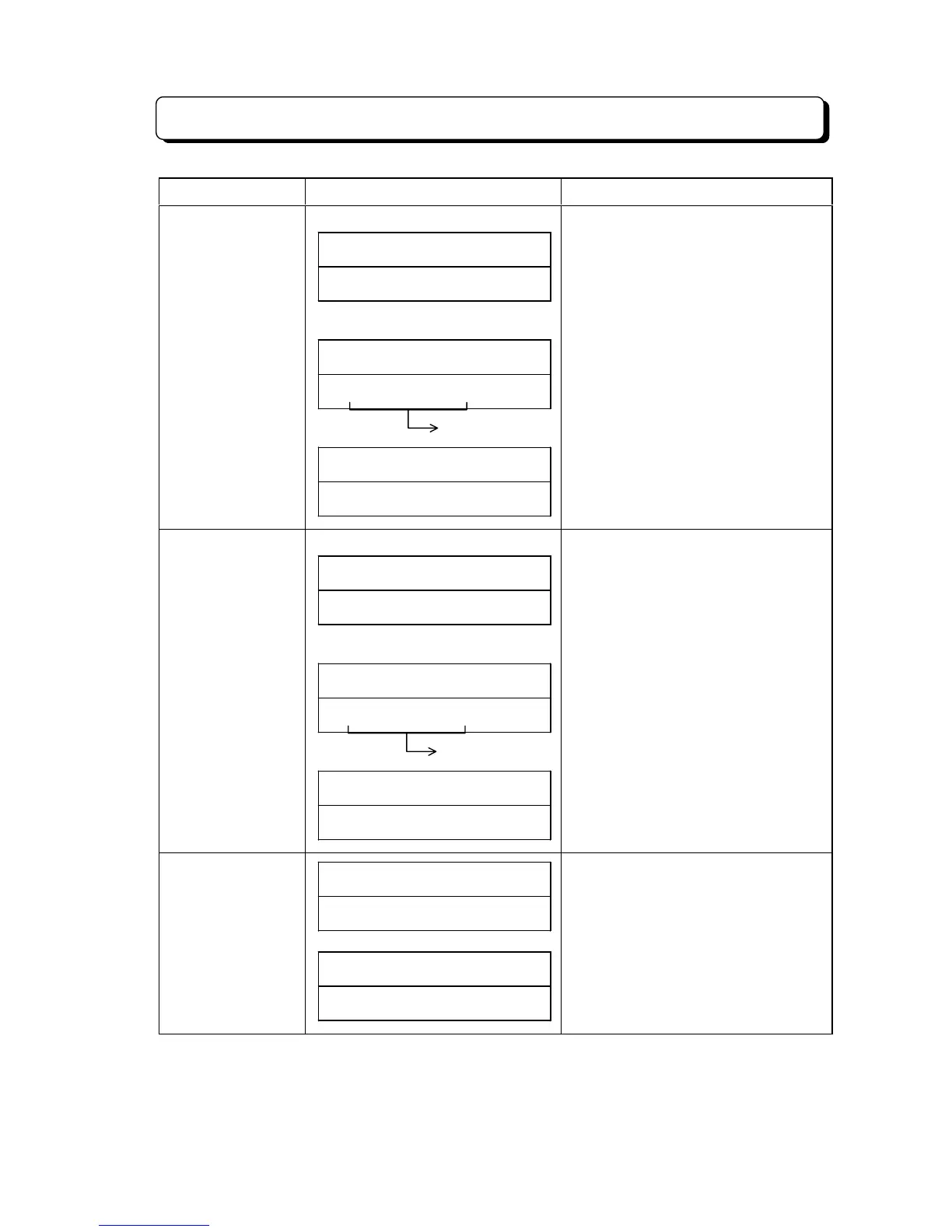
List of Information Display
¾ 4-92 ¾
Contents Display Indication Note
Trunk line Directory
Dialing
(Start indication for refer to Dial)
CO# DIR##########
(Referring to dial)
CO# DIR##########
##########XX####
(No entry)
CO# DIR##########
LIST# END########
- When refer to dial, under LCD is
indicated common abbreviated name.
- XX: Abbreviated Dial number
(When storage quantity of
Abbreviated Dialing is assigned
"200" mode, "XX" is indicated for 3
digit mode.)
(3 digit mode is indicated "XXX")
Intercom Directory
Dialing
(Start indication for refer to Dial)
ICM# DIR#########
(Referring to dial)
ICM# DIR#########
##########XX####
(No entry)
ICM# DIR#########
LIST# END########
- When refer to dial, under LCD is
indicated extension name.
- XX: Extension number
(3 digit mode is indicated "XXX")
Alarm 1/2 setting
operation
##SUN# 25# 12:00PM
ALARM1>#########
##SUN# 25# 12:00PM
ALARM2>#########
- When Alarm setting is finished, this is
indicated this time.
- When time input, this data indicated
4th di



 To Next Page