call
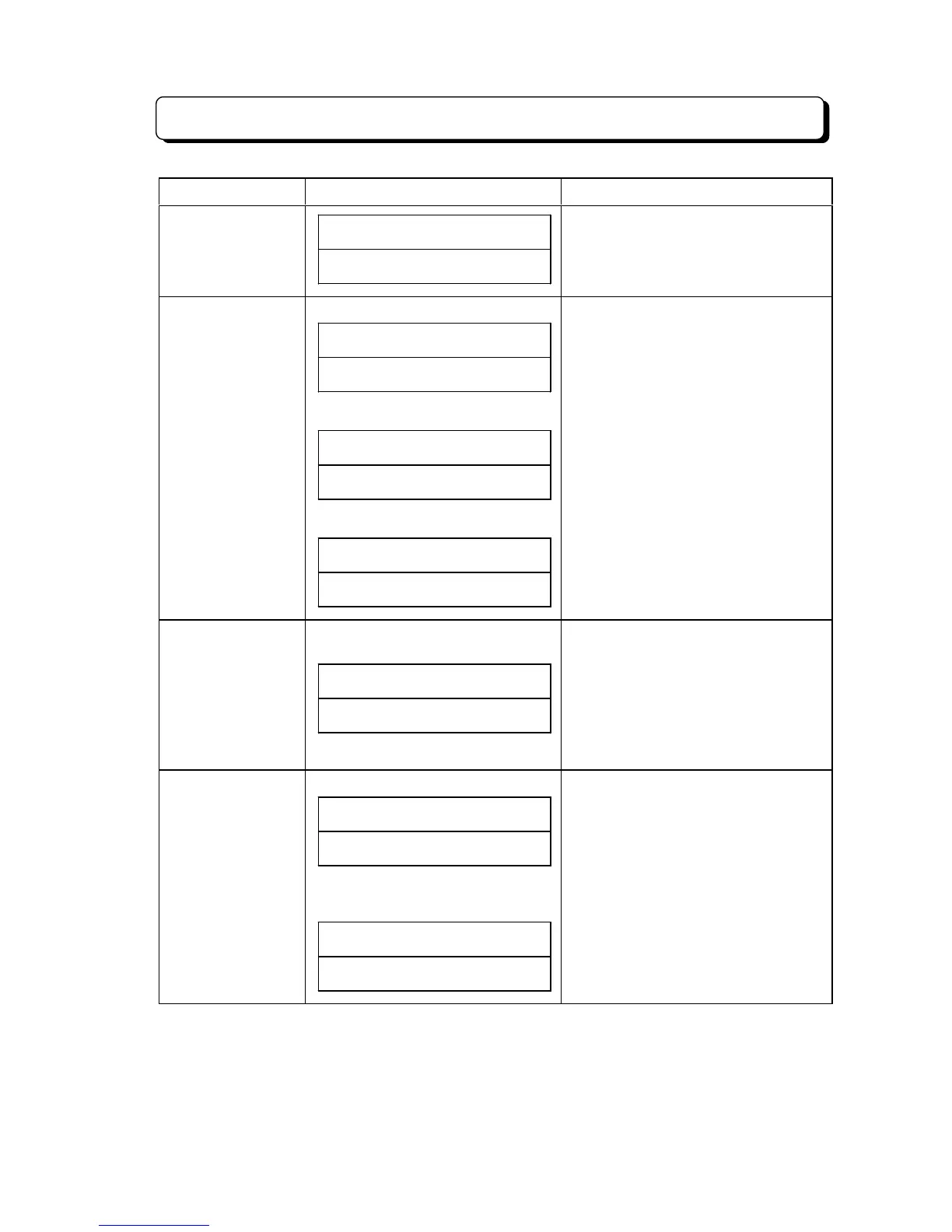
LINE# XX#########
##########REPEAT
- XX: Line number
- Entered Dial number is indicated most
right side digit the under LCD.
Line key confirmation (Trunk Line)
##SUN# 25# 12:00PM
#####LINE# XX# KEY
(Park Hold)
##SUN# 25# 12:00PM
###PARK# HOLD# KEY
(No define)
##SUN# 25# 12:00PM
#######NO# DEFINE
- XX: Line number
- Operation for confirmation:
1. Press CHECK key.
2. Press Line key for confirmation
- Line number correspond when Lamp
shift mode.
F1 - F10 key
confirmation
(Individually Abbreviated Dialing/
Intercom One Touch)
##SUN# 25# 12:00PM
# CO/ICM# REPARTRY
- Operation for confirmation:
1. Press CHECK key.
2. Press F1 - F10 key.
(Telephone number/Extension number)
1. Press CHECK key.
2. Press DC/ICM key.
3. Press F1 - F10 key.
DLS1 - DLS24 key
confirmation
(Extension number) (TX-Z 824)
##SUN# 25# 12:00PM
# STATION# PORT# XX
(Line number) (TX-Z
1232/2464)
##SUN# 25# 12:00PM
#####LINE# XX# KEY
- XX: Extension number (Hard number)
(10 - System Max.)
- Operation for confirmation:
1. Press CHECK key.
2. Press DLS1 - DLS24.
- XX: Line number
- Operation for confirmation:
1. Press CHECK key.
2. Press DLS1 - DLS24.


 To Next Page
 Loading...