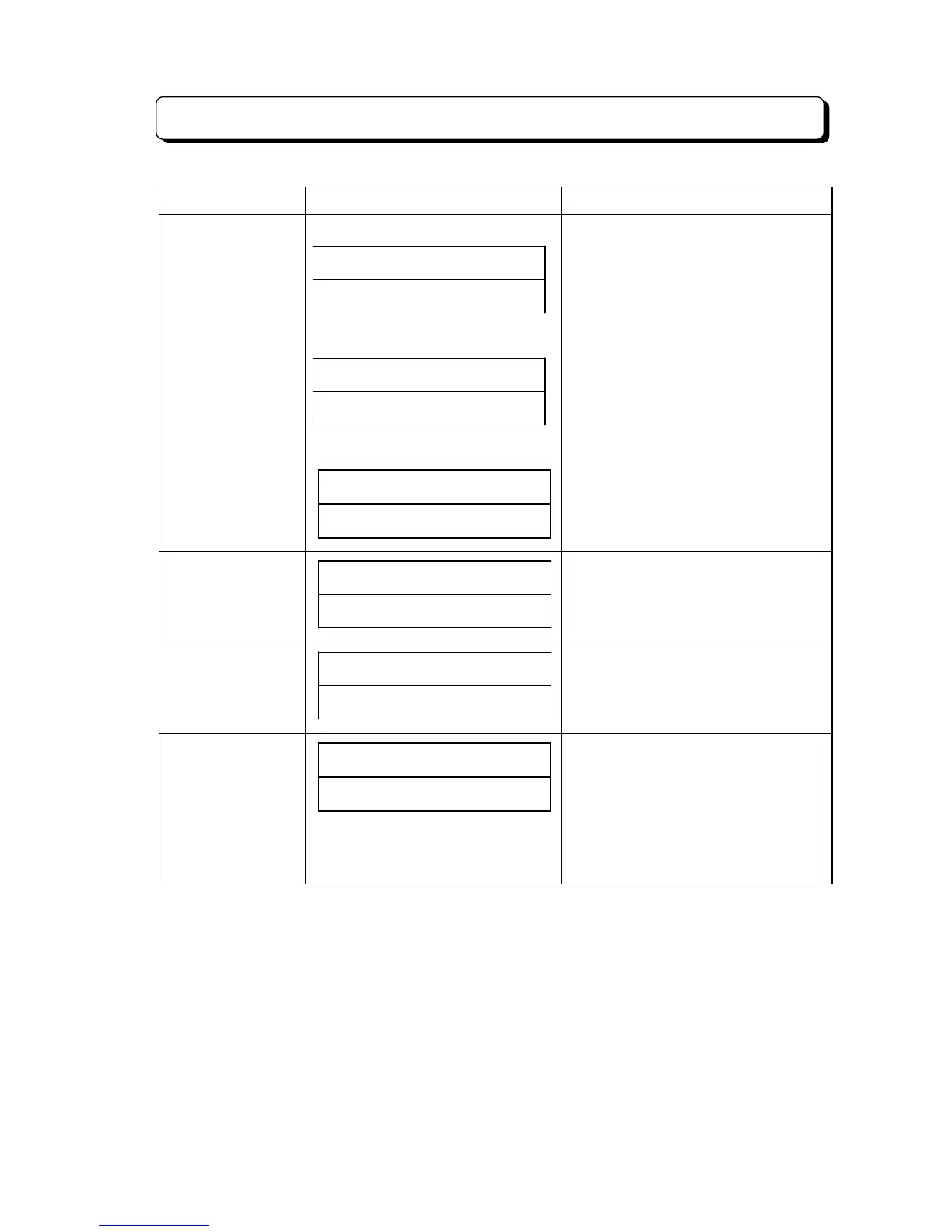
List of Information Display
¾ 4-101 ¾
Contents Display Indication Note
Dial Block Set/Clear
(Enter password)
##SUN# 25# 12:00PM
PASSWORD@@@@@@@@
(Set) (TX-Z 1232/2464)
DIAL# BLOCK# SET
STA.NO-#######XX
(Clear)
DIAL# BLOCK# CLEAR
STA.NO-#######XX
- XX: Extension number
(3 digit mode is indicated "XXX")
Walking Toll
Restriction Password
Input
# LINE 01
PASSWORD> @@@@
Pause
(Outgoing, Storing,
Confirmation)
# LINE 01
12345P678
Each Extension Hard
No. and Paging
Group No.
##SUN# 25# 12:00PM
TEL-XX##PAG.GP-Y
- XX: Extension number (Hard number)
(10 - System Max.)
- Y: Paging Group number (0 - 4)
(0 = Not assigned)
- Operation for confirmation:
1. Press CHECK key.
2. Press ICM key.
3. Press HOLD key.



 To Next Page