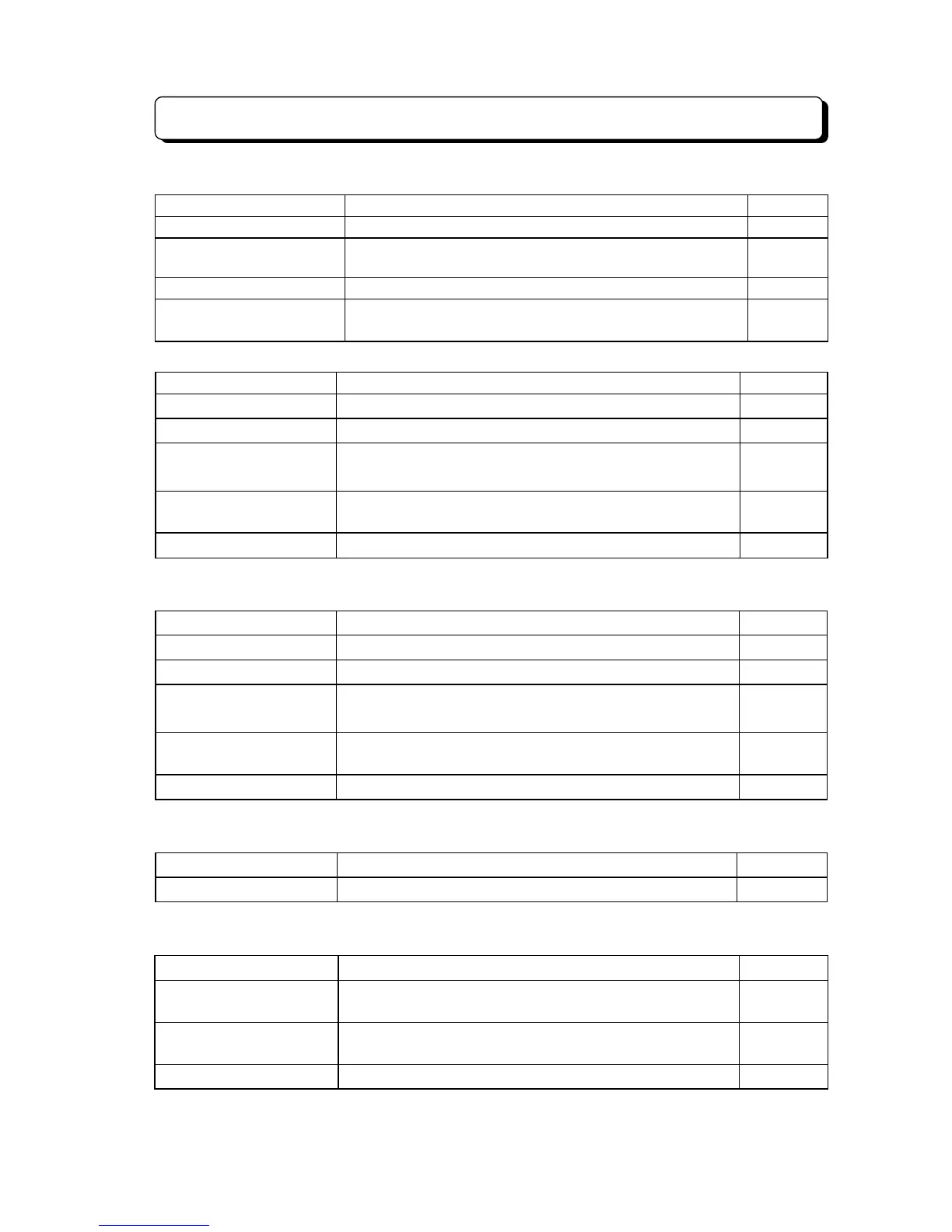
List of Dial Number Plan
¾ 4-108 ¾
6. Dial Number Plan (KTS and SLT: Dial Plan 1) on the intercom DT condition (Cont'd)
Dial Operation Features Program
98 Voice Mail Direct Login (KTS) —
99 + Extension Number
Seize last held Trunk line on a specific extension.
* Extension Number = 10 - 79 or 100 - 799
—
*
Call back to MW —
# + Hunting Group Number Call to Hunting Group
* Hunting Group Number = 0 - 4
11
7. Dial Number Plan (KTS/SLT) in the intercom call condition
Dial Operation Features Program
0 Set MW (Cut off Intercom call) —
1 Change the Voice/Signal call 19
3 Voice Mail Remote Message
(TX-Z 824/1232/2464)
—
*
Set Camp-On message
* Restrict to Off-Hook Signaling call
04
#
Step Call —
8. Dial Number Plan (KTS/SLT) in the busy (intercom call) condition
Dial Operation Features Program
0 Set MW (Cut off Intercom call) —
1 Set Off-Hook Signaling 04
3 Voice Mail Remote Message
(TX-Z 824/1232/2464)
—
*
Set Camp-On.
* Hang up after dial
*
, Intercom Callback set
—
#
Step Call —
9. Dial Number Plan (KTS/SLT) in the Internal and External Paging condition
Dial Operation Features Program
# Set Meet-Me Answer —
10.During seizing the Idle Trunk line
®
®®
®
Dial Number Plan (SLT) after Flashing
Dial Operation Features Program
Extension Number
Intercom call
* Extension Number = 10 - 79 or 100 - 799
—
80 All Call (All extensions on specific Paging Group)
* External speaker calls at the same time possible
08
19
81 - 84 Internal Paging (Each Paging Group) 08



 To Next Page